
Why Your Order Got Rejected And What You Should Do

Table of Contents
Why Your MTN Data Bundle Order Got Rejected
Your data bundle order faces immediate rejection when network verification protocols fail to validate your phone number. Telecom infrastructure demands strict provisioning sequences before routing external data allocations to any device. When an anomaly triggers a rejection code on our end, your funds remain completely safe and qualify for a full EliteDataGh wallet refund.
The Five Technical Reasons For Order Rejection
Freshly Activated SIM Cards
Brand new phone numbers require complete registration propagation across all core network databases. The central registry takes time to broadcast your activation status to external data provisioning channels. Attempting to purchase third-party data bundles on a freshly activated SIM card will always trigger a provisioning failure.
Zero Previous MTN UP2U Purchase History
Our API gateways rely on established user profiles within the MTN ecosystem. If your mobile number has never processed a direct MTN UP2U gigabyte allocation before, the routing system lacks the historical footprint required to validate the transaction. The infrastructure blocks the delivery.
Pending Network Verification Status
Active numbers occasionally enter a pending verification state. This happens during routine network audits or when profile updates are processing at the operator level. Our system automatically blocks data transfers to unverified numbers to prevent permanent allocation loss.
Ported Phone Numbers
Transferring your mobile number between networks disrupts standard routing tables. The provisioning API may still attempt to route the data packet through your previous network operator. This network mismatch forces an immediate safety rejection.
Unrecognized Internal Database Profiles
Your number might successfully process orders on other platforms while failing here. We maintain a strict internal database registry. When an active number appears as completely unknown to our specific routing infrastructure, the system enacts a protective rejection protocol.
Required Steps Following A Rejection
Track Your Automatic Wallet Refund
Order rejections never result in financial loss. Every failed transaction qualifies for an immediate refund directly to your EliteData account. The system credits your balance automatically. You can verify this exact refund in your dashboard transaction logs.
Wait For Complete Network Propagation
Resolving these network validation errors requires time. You must wait a minimum period of two to four weeks for your phone number to fully verify and propagate across all required telecom databases. Once this specific waiting period concludes, your number will successfully process all future data requests.
Keep Reading
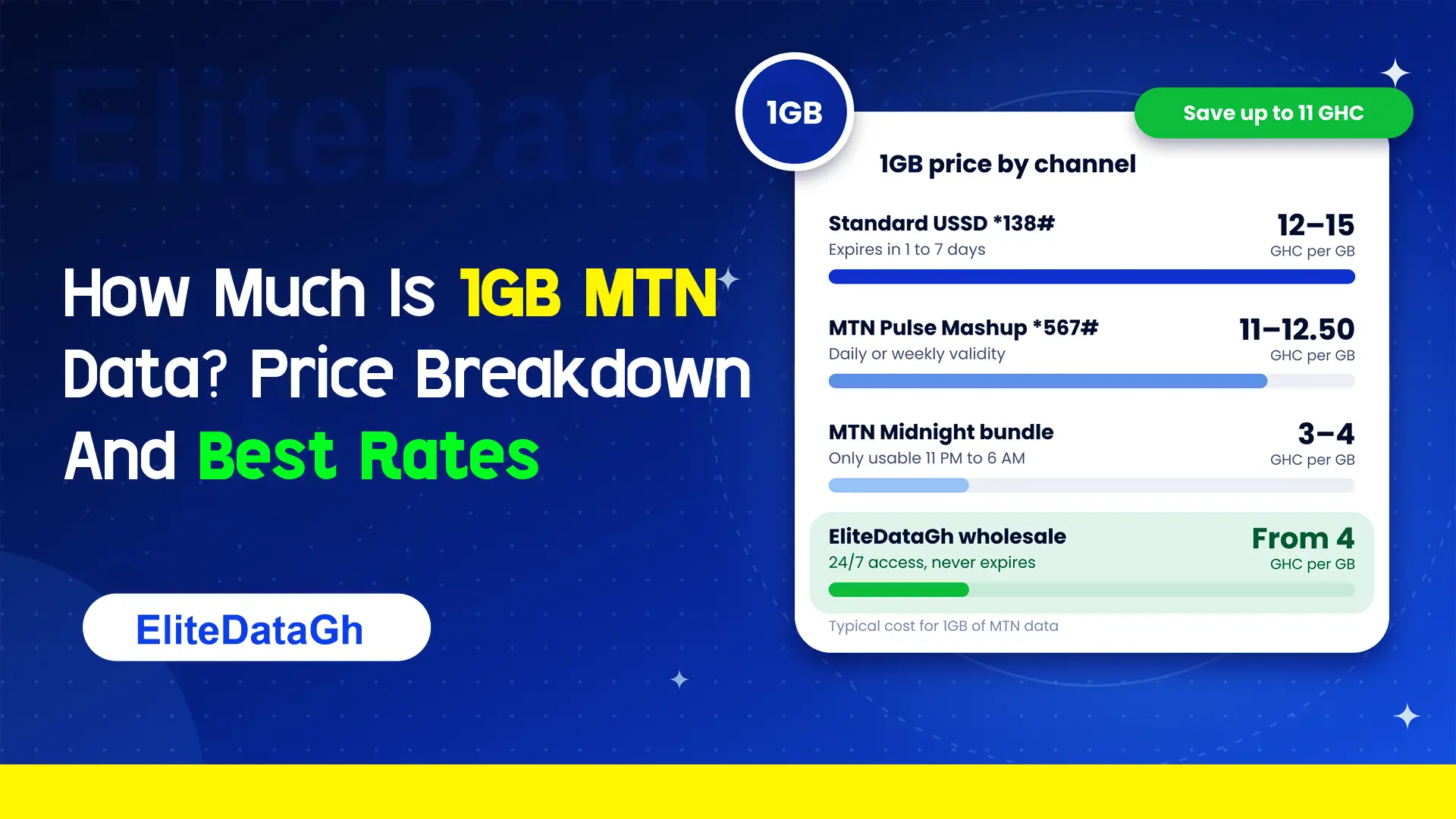
How Much Is 1GB MTN Data? Price Breakdown And Best Rates
Comparing the exact cost of 1GB MTN data across retail USSD, Pulse Mashup, midnight plans, and wholesale non-expiry rates starting from 4 GHC.
What Are 6 Hidden MTN Codes?
Uncover 6 critical hidden MTN codes to stop unauthorized airtime deductions, audit SIM registration, claim forgotten reward points, and verify network discounts.
What Does *138# Do On MTN?
Dialing *138# connects you to the master MTN internet and data bundle management portal. Learn how to navigate menus, check balances, and avoid retail markup traps.
Is There An MTN Free 1GB Data Code For 2026?
Exposing viral MTN free 1GB data codes in 2026. Discover how deceptive shortcodes drain airtime, legitimate operator bonus methods, and secure wholesale alternatives from 4 GHC.
Why Your MTNUP2U Data Order Gets Delayed Sometimes
A breakdown of the network validations and server bottlenecks that occasionally slow down your MTNUP2U data bundle delivery.
MTN Ghana Shortcodes 2026 List
Memorize the critical 2026 MTN Ghana USSD codes. Manage your Mobile Money wallet, check your data balances, and verify your SIM registration with these standardized network codes.
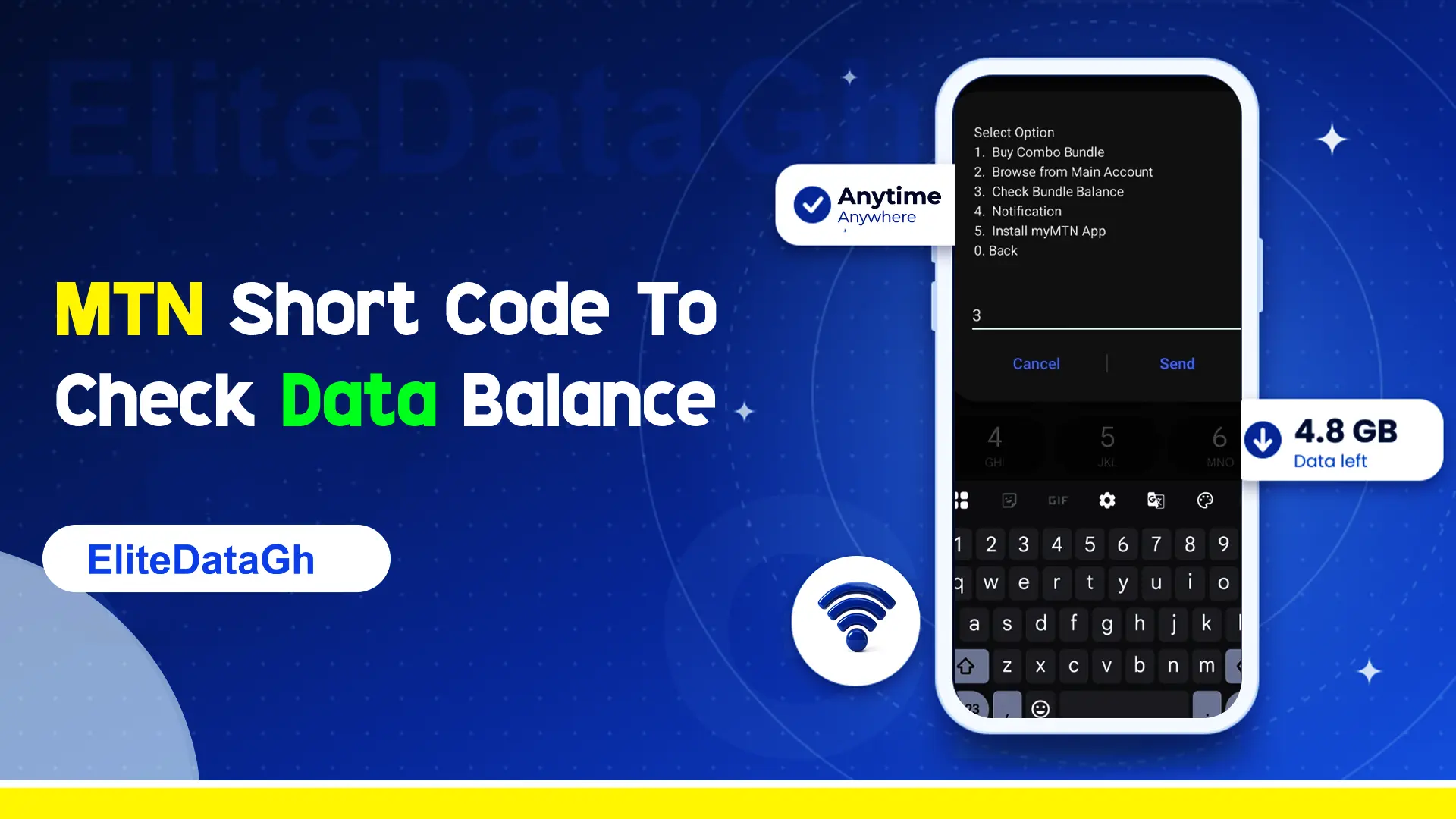
MTN Short Code To Check Data Balance
Stop guessing your internet consumption. Learn the precise USSD codes to verify your standard MTN data, Pulse Mashup balance, and broadband allocations accurately.