
How Do I Borrow Data Bundle on Telecel in Ghana?

Table of Contents
Dial *505# on your Telecel Ghana prepaid SIM to borrow an emergency SOS data bundle or airtime advance immediately. Select the SOS Data or SOS Credit option on screen, choose an approved package within your credit limit, and confirm the transaction. Telecel adds a service fee of approximately 10 percent to the borrowed value and automatically deducts the full balance from your next airtime recharge.
How to Borrow Data on Telecel Using *505#
Telecel Ghana routes all emergency credit and emergency data advances through one dedicated USSD gateway. Follow this exact sequence from your phone dialer:
- Open your phone dialer and dial
*505#on your Telecel prepaid line. - Review the available options returned by the network. Depending on your SIM scoring tier, the menu presents SOS Data bundles, SOS Credit advances, or both.
- Select your preferred data package or credit amount.
- Confirm the prompt to trigger instant provisioning.
- Wait for the confirmation SMS before opening any mobile browser or streaming app.
If your SIM menu only displays SOS Airtime Credit and does not show a direct SOS Data option, borrow the airtime through *505# first, then dial *700# immediately to convert that credited airtime into a standard Telecel data package. Always check your active data balance using *700# or *124# before enabling mobile data so background apps do not drain your remaining airtime at standard pay-as-you-go rates.
Borrowing Through the Telecel Play App
You can also request an emergency advance inside the official Telecel Play mobile app when connected to Wi-Fi or a low-balance network session:
- Launch the Telecel Play application on Android or iOS.
- Navigate to the Airtime or Bundles section and tap SOS Services.
- Choose an eligible data or credit pack and confirm the terms displayed on screen.
Strict Eligibility Rules Enforced by the Network
Dialing *505# will return an instant rejection if your line fails any automated credit-scoring check inside the Telecel billing system. To qualify, your line must satisfy all six criteria:
- Prepaid Account Status: Postpaid lines and corporate hybrid accounts are restricted from SOS advances.
- Ghana Card Biometric Registration: Unverified or partially registered SIM cards are blocked from network credit.
- 180 Days Minimum Network Age: Your SIM must have been active on the Telecel network for at least 6 months.
- 60-Day Recharge History: You must have completed regular airtime recharges within the past 60 days. Subscribers who rely exclusively on Mobile Money bundle purchases or third-party data transfers without loading direct airtime frequently receive zero credit limit.
- Low Balance Threshold: Your main airtime balance must sit below the minimum threshold required to trigger emergency support.
- Zero Pending SOS Debt: Any earlier SOS credit or data loan must be settled in full before the system unlocks a new advance.
What SOS Data Actually Costs You
Emergency data advances are short-term debt, not free internet. Every cedi borrowed via *505# carries a direct surcharge and reduces your purchasing power on your next recharge.
| Acquisition Method | Access Channel | Service Surcharge | Repayment Impact | Data Validity |
|---|---|---|---|---|
| Telecel SOS Data | Dial *505# | Approx. 10% fee | Loan plus fee deducted from next recharge | Short expiry window on emergency packs |
| SOS Airtime Conversion | *505# then *700# | Approx. 10% fee on loan | Full advance plus fee garnished on top-up | Standard bundle expiry rules |
| Direct Non-Expiry Bundle | Telecel Cash *110# or EliteDataGh | 0% borrowing fee | Zero debt held against future recharges | Non-expiry data stays active until used |
For example, borrowing a GHC 5.00 advance commits your line to a GHC 5.50 automatic deduction on your next recharge. If your emergency data bundle expires before you finish using it, you still owe the full GHC 5.50 when you load airtime later.
Why *505# Rejects Your Request
If the system denies your request, isolate the exact cause instead of retrying repeatedly:
- Unpaid Previous Advance: Dial
*124#or*505#to verify whether a partial balance remains unpaid. Even a small unpaid fraction blocks all new requests. - Insufficient Airtime Recharge History: Buying bundles through third-party apps without loading physical or electronic airtime onto your SIM lowers your credit score inside the Telecel SOS engine.
- SIM Tenure Under Six Months: Newly registered Telecel SIM cards cannot bypass the 180-day activity requirement.
- Temporary Network Scoring Refresh: If you recently cleared an old loan, wait several minutes for the billing ledger to synchronize before dialing
*505#again.
Fake Telecel Borrow Codes to Avoid
Fraudsters regularly circulate fake USSD combinations on social media claiming they unlock unlimited data loans, zero-fee credit, or hidden developer bundles. Treat every unofficial string as a direct attack on your funds.
- *Do Not Confuse 110# With Borrowing: Code
*110#is strictly the Telecel Cash Mobile Money portal. It is never used to borrow data. Any stranger telling you to dial a long string starting with*110*and enter a PIN is tricking you into sending money out of your Telecel Cash wallet. - Watch Out for Me2U Transfer Traps: Unverified codes that ask you to insert another phone number followed by an amount are peer-to-peer airtime transfer commands that send your remaining credit to a scammer.
- Use Official Channels Only: Emergency advances exist exclusively on
*505#and inside the official Telecel Play app. Never share an OTP code or Mobile Money PIN with anyone promising to unlock higher SOS borrowing limits.
Smarter Alternative When You Need Data Immediately
If you have funds inside MTN MoMo, Telecel Cash, or AT Money, do not pay a 10 percent surcharge for short-expiry emergency data. Purchase a direct non-expiry Telecel bundle on elitedatagh.com/buy or fund directly with Telecel Cash via *700#. Your data is delivered straight to your SIM with zero repayment deductions waiting on your next recharge, and your megabytes remain valid until you finish using them.
Frequently Asked Questions
What is the official code to borrow data on Telecel Ghana?
Dial *505# from your registered Telecel prepaid SIM to access SOS Data and SOS Credit options.
Can I borrow data on Telecel using *110#?
No. Dialing *110# opens your Telecel Cash Mobile Money menu. Use *505# for emergency data or airtime loans.
How do I check my Telecel data balance after borrowing?
Dial *700# to check active data bundle allocations or *124# to check your main airtime account balance.
Why did Telecel take my airtime immediately after I recharged?
Your line had an active unpaid *505# SOS advance. The billing platform automatically deducts the borrowed amount plus the approximate 10 percent service fee from every incoming recharge until your loan balance reaches zero.
Keep Reading
How To Buy MTN Data Bundles Online in Ghana
Learn how to buy MTN data bundles online in Ghana via non-expiry web checkout at EliteDataGh, the zero-rated myMTN app, or *138# and *170# MoMo menus, with strict scam protection and cost math
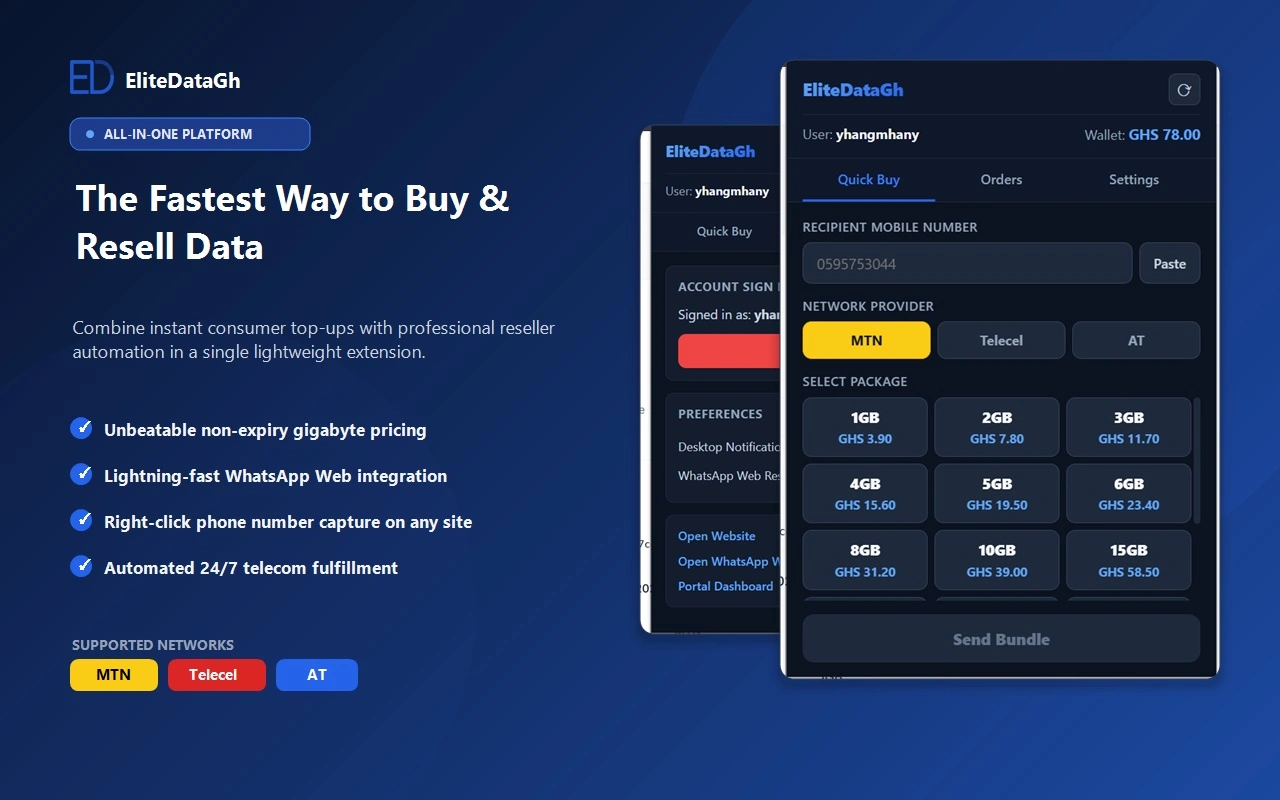
How To Buy Cheap Data Bundles in Ghana With EliteDataGh Chrome Extension
Install the official EliteDataGh Chrome Extension to purchase non-expiry MTN, Telecel, and AT data bundles directly from any web page or WhatsApp Web in Ghana.

Best Site to Buy Cheap Data Online in Ghana (2026 Price & Delivery Comparison)
Compare the best site to buy cheap non-expiry data online in Ghana. View 2026 GHC per-GB rates across MTN, Telecel, and AT, with instant MoMo delivery.
Why Mobile Data Drains Fast in Ghana (5 Hidden Causes and Solutions)
Discover the technical reasons why mobile data drains quickly on 4G in Ghana. Learn how video prefetching, WhatsApp downloads, and background updates waste gigabytes, and how to stop it.
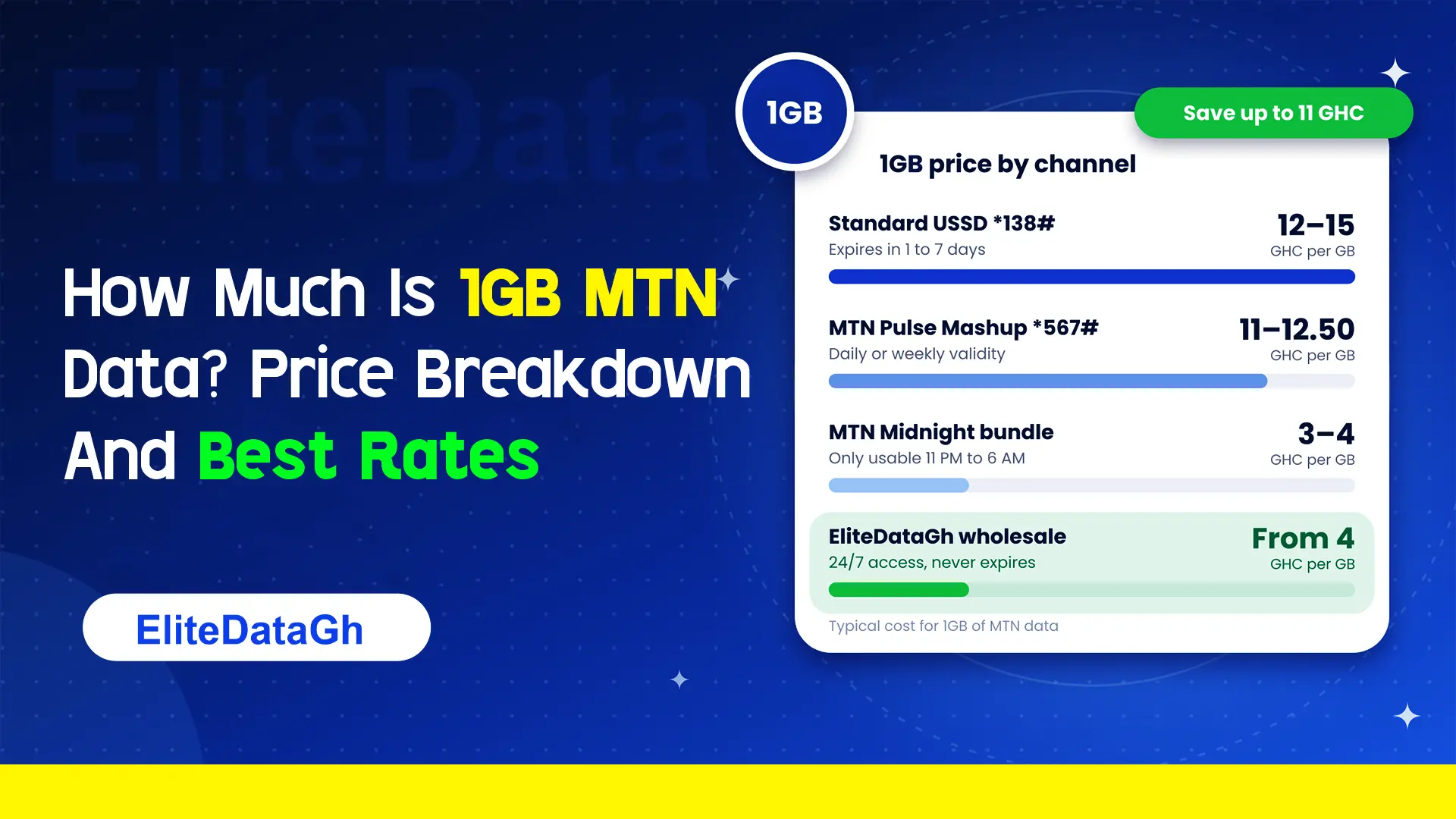
How Much Is 1GB MTN Data? Price Breakdown And Best Rates
Comparing the exact cost of 1GB MTN data across retail USSD, Pulse Mashup, midnight plans, and wholesale non-expiry rates starting from 4 GHC.
What Are 6 Hidden MTN Codes?
Uncover 6 critical hidden MTN codes to stop unauthorized airtime deductions, audit SIM registration, claim forgotten reward points, and verify network discounts.
What Does *138# Do On MTN?
Dialing *138# connects you to the master MTN internet and data bundle management portal. Learn how to navigate menus, check balances, and avoid retail markup traps.