
How to Transfer Airtime Credit from AT to AT in Ghana (*557#)

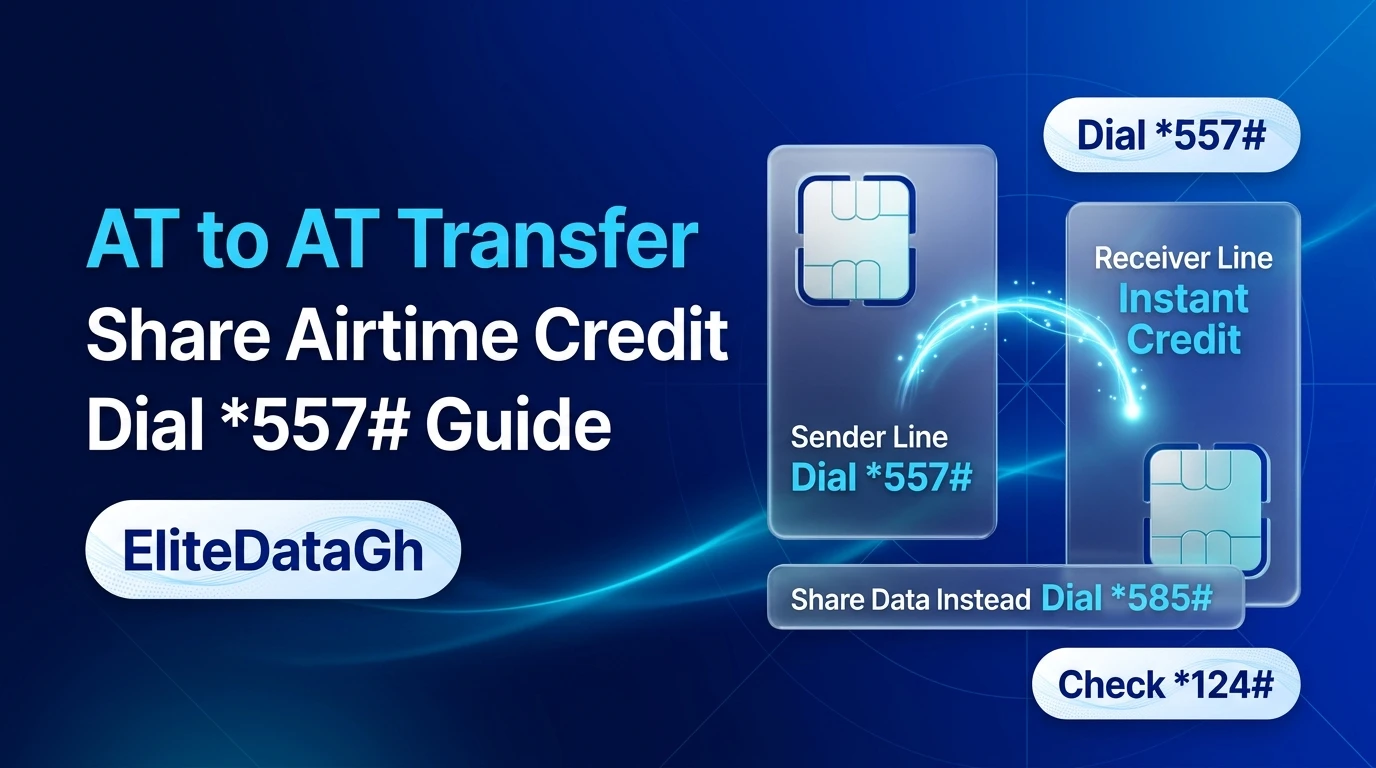
Table of Contents
- AT Ghana Airtime and Data Sharing Codes
- Step 1: Check Your Transferable Airtime Balance First (`*124#`)
- Step 2: How to Transfer Airtime from AT to AT Using `*557#`
- How to Manage or Reset Your AT Airtime Transfer PIN
- Sharing Airtime (`*557#`) vs Sharing Data (`*585#`): Avoid the 4G Drain Trap
- Troubleshooting Common AT `*557#` Transfer Errors
- Frequently Asked Questions
To transfer prepaid airtime credit from one AT Ghana (formerly AirtelTigo) number to another, dial *557# (or dial *100# and open the Transfer Airtime / Me2U menu), enter the recipient 10-digit AT phone number (026, 027, 056, or 057), type the GHS amount you wish to send, and confirm the transaction with your transfer PIN. Direct airtime sharing via *557# works exclusively between active AT prepaid SIM cards, whereas sending airtime to MTN or Telecel numbers requires purchasing top-up credit through AT Money (*110#).
Sharing unused airtime from your phone to a family member, colleague, or secondary SIM card is one of the fastest ways to help someone make an urgent voice call or activate a bundle without looking for a roadside scratch card vendor. Knowing which balances qualify for transfer, how to avoid background 4G data eating the shared credit upon arrival, and when to use *585# data sharing instead ensures none of your credit goes to waste.
AT Ghana Airtime and Data Sharing Codes
Use these official AT Ghana USSD shortcodes to share credit, transfer data, or verify balances before sending:
| Action or Service | Official USSD Code | Network Scope | Key Requirement |
|---|---|---|---|
| Transfer AT Prepaid Airtime | *557# (or via *100#) | AT to AT only | Paid main-account airtime balance |
| Share AT BigTime Data Bundle | *585# | AT to AT only | Active AT BigTime data balance |
| Buy Airtime for Any Network | *110# (AT Money) | AT, MTN, Telecel | Active AT Money wallet balance |
| Check Main AT Airtime Balance | *124# | AT Ghana | Distinguishes main credit from bonus |
| Check Recipient AT Number | *703# | AT Ghana | Displays the exact 10-digit AT number |
| Check AT SIM Registration | *404# / *400# | AT Ghana | Verifies Ghana Card registration status |
(Need to transfer airtime on other networks as well? MTN Ghana uses *198# for Me2U airtime transfers, while Telecel Ghana uses *116#. View all carrier codes in our Ghana USSD Shortcodes Directory.)
Step 1: Check Your Transferable Airtime Balance First (*124#)
Before dialing *557#, verify that the credit sitting on your SIM card is eligible for peer-to-peer transfer:
- Dial
*124#on your AT Ghana phone. - Check your Main Account Balance separately from any Bonus Airtime sub-wallet.
- Keep these three eligibility rules in mind:
- Only Paid Main Airtime Transfers: Credit recharged via scratch cards (
*134*PIN#), AT Money (*110#), or commercial bank top-ups can be shared freely. - Borrowed Credit Cannot Be Shared: Emergency airtime borrowed through
*554#sits in a dedicated advance wallet and cannot be transferred to another phone number. - Promotional Bonus Credit Cannot Be Shared: Free bonus talk time awarded during recharge promotions can only be used for voice calls or SMS on your own SIM card.
- Only Paid Main Airtime Transfers: Credit recharged via scratch cards (
Step 2: How to Transfer Airtime from AT to AT Using *557#
Once you have confirmed sufficient main-account credit, follow these steps to send airtime to another AT subscriber:
- Open your phone dialer and dial
*557#on your AT Ghana SIM card (if your SIM card routes through the unified self-care menu, you can also dial*100#and select the Transfer Airtime / Me2U option). - Select the option to Share / Transfer Airtime.
- Enter the 10-digit AT Ghana phone number of the person receiving the credit (starting with
026,027,056, or057). - Enter the GHS amount you want to transfer.
- Enter your Me2U Transfer PIN when prompted (or reply
1to confirm on lines using standard confirmation prompts). - Double-check the recipient number and amount on the final screen and submit.
- Both you and the recipient will receive an instant AT SMS confirmation showing the amount transferred.
How to Transfer AT Airtime Using the AT Mobile App
If you prefer a visual interface over USSD menus:
- Open the official AT Mobile App on your Android or iPhone device.
- Tap the Airtime / Top-Up section on the home dashboard.
- Select Transfer to a Friend (Me2U).
- Choose the recipient directly from your phone contacts list (to prevent typing errors) and enter the GHS amount.
- Confirm with your security PIN to complete the transfer.
How to Manage or Reset Your AT Airtime Transfer PIN
Setting a custom transfer PIN prevents unauthorized people who pick up your unlocked phone from draining your airtime to their own number:
- Changing Your PIN via USSD: Dial
*557#or*100#, open the PIN Management / Change PIN option inside the airtime transfer menu, enter your current PIN (often0000or1234on first-time setups), and set a new 4-digit code that does not match your birth year or Mobile Money PIN. - Resetting a Forgotten Transfer PIN: If you enter an incorrect transfer PIN multiple times and lock the Me2U menu, dial
100from your AT line (or message AT support on WhatsApp at0266116611) and verify your Ghana Card registration details so an agent resets your transfer PIN.
Sharing Airtime (*557#) vs Sharing Data (*585#): Avoid the 4G Drain Trap
Before sending airtime to a friend or family member who plans to use that credit to buy an internet bundle, watch out for the out-of-bundle 4G background drain trap:
- What goes wrong: If the recipient has zero active data on
*504#but leaves their smartphone Mobile Data switch turned on, the moment your*557#airtime lands in their main balance, background apps (WhatsApp, TikTok, Instagram, and system sync) immediately start deducting pesewas and cedis at raw Pay-As-You-Go rates. By the time the recipient dials*111#to buy a bundle, their GHS 10.00 airtime has already dropped to GHS 8.40, making it insufficient for the GHS 10.00 package. - Solution 1 (Turn Off Mobile Data First): Tell the recipient to switch Mobile Data OFF before you send the
*557#airtime, dial*111#to convert the credit into a data bundle, and only switch Mobile Data back on after receiving the bundle activation SMS. - Solution 2 (Share Data Directly via
*585#): If you already have an active AT BigTime Data balance on your own line, dial*585#to send megabytes or gigabytes directly to the recipient. Because*585#credits their data bucket directly rather than their main airtime wallet, background apps cannot eat raw airtime. You can calculate how many megabytes or gigabytes they need using our free Mobile Data Usage Calculator.
Troubleshooting Common AT *557# Transfer Errors
- Insufficient Balance Error when
*124#shows enough credit: This happens for one of two reasons: either part of your visible balance is non-transferable bonus or borrowed (*554#) credit, or you are trying to empty 100% of your main balance without leaving the small residual balance required to keep the prepaid wallet active. Reduce the transfer amount by GHS 0.50 to GHS 1.00 and try again. - Invalid Recipient Number Error: Direct
*557#airtime transfers only work between two AT Ghana SIM cards. You cannot use*557#to send credit to an MTN (024,054,055,059) or Telecel (020,050) number, or to a number that was ported away from AT to another network. - Sent Airtime to the Wrong AT Number: Unlike Mobile Money transfers that can be frozen while sitting in an e-cash wallet, peer-to-peer airtime transfers credit the recipient prepaid billing ledger immediately and cannot be reversed via USSD. Always verify the recipient 10-digit number using
*703#before confirming*557#.
Frequently Asked Questions
What is the USSD code to transfer airtime on AT Ghana?
Dial *557# (or dial *100# and select the Transfer Airtime / Me2U option), enter the recipient AT phone number, enter the GHS amount, and confirm with your PIN.
Can I transfer airtime from AT Ghana to MTN or Telecel using *557#?
No. The *557# airtime share service only works from AT to AT. If you want to buy airtime for an MTN or Telecel number from your AT phone, dial *110# to purchase cross-network airtime using your AT Money mobile wallet.
Can I transfer borrowed AT airtime (*554#) to another number?
No. Emergency credit borrowed through *554# cannot be shared via *557#. Only paid main-account airtime recharged via scratch cards, Mobile Money, or bank top-ups is eligible for transfer.
How do I share data instead of airtime on AT Ghana?
To share internet data from your active AT BigTime bundle with another AT subscriber, dial *585# (or dial *111*1# and select Option 13), enter the recipient AT number, and specify the megabyte or gigabyte amount to transfer.
Explore more USSD shortcodes, data estimators, and wallet fee tools inside our Ghana USSD Shortcodes Directory and MoMo Charges Calculator.
Keep Reading
AT Too Much and All-Network Voice Bundles (*202# and *567#): Full Comparison
Compare AT Ghana *202# Too Much timed voice packs with *567# AT Fuse non-expiry all-network bundles. See expiry rules, balance codes, and best options.

Telecel One Family Plan Explained: How to Share Voice and Data Across Numbers
Telecel One Family explained: dial *900# or use Telecel Play to share broadband data and voice across 1 to 4 paired numbers on 30-day household plans cleanly.

How to Share or Transfer Airtime on Telecel Ghana Using *516#
Dial *516# on Telecel Ghana to share airtime credit to 020 and 050 numbers. Learn the express code, GHS 0.05 fee, default 1234 PIN setup, and transfer rules.

MTN Pulse and Mashup Bundles (*567#): Complete USSD Guide and Validity Rules
Dial *567# for MTN Pulse Mashup bundles in Ghana. Explore Voice and Data mix rules, social bonuses, non-expiry validity, and *567*4# balance checks cleanly.

MTN Ghana Data Zone (*138#) Explained: Why Offers Disappear and How to Qualify
Learn why MTN Ghana Data Zone (*135# and *138#) and Just4U (*141#) offers change, how NCA SMP rules affect pricing, and how your SIM qualifies for better data.

How to Cancel Unwanted Subscriptions and Caller Tunes Draining MTN Airtime
Cancel unwanted MTN Ghana subscriptions draining your airtime: dial *175# for VAS promos, *1355# or SMS Unsubscribe to 1355 for Caller Tunez, and STOP to 138.

How to Check Your SSNIT Number, Statements, and Pay Contributions via USSD (*711*9#)
Dial *711*9# on MTN, Telecel, or AT to verify your SSNIT number, merge your Ghana Card, email contribution statements, and pay SEED MoMo contributions.