
MTN Pulse and Mashup Bundles (*567#): Complete USSD Guide and Validity Rules


Table of Contents
- Guide to MTN Pulse (*567#) Shortcodes
- How to Buy MTN Pulse Mashup Bundles via *567#
- Mashup Social Bonuses and Pricing Tiers
- MTN Pulse Mashup Validity and Expiry Rules Explained
- MTN Pulse (*567#) vs Data Zone (*135#) and Main Bundles (*138#)
- Troubleshooting Common *567# Pulse and Mashup Issues
- Frequently Asked Questions About MTN Pulse (*567#)
To buy or customize MTN Pulse Mashup bundles in Ghana, dial *567# on your MTN SIM card, choose either a flexible Voice + Data split or a Data-Only Mashup tier from GHS 1 to GHS 30+, and confirm payment via airtime or Mobile Money. Unlike short-term promo packs, core MTN Mashup bundles do not expire and stay valid until you finish every megabyte and call minute, while your remaining balances can be checked anytime by dialing *567*4#.
Although MTN Pulse started as a youth lifestyle proposition on MTN Ghana, regular prepaid lines can use *567# to mix internet data, cross-network call minutes, SMS alerts, and app-specific social media allocations without worrying about a 24-hour countdown timer wiping out unused gigabytes.
Guide to MTN Pulse (*567#) Shortcodes
Keep these verified Pulse and Mashup shortcuts saved alongside our complete Ghana USSD and Network Shortcodes Directory.
| Task on MTN Pulse | Exact USSD or SMS Code | How It Works | Expiry Behavior |
|---|---|---|---|
| Open MTN Pulse and Mashup Menu | *567# | Buy Data-Only or Flexi Voice + Data bundles from GHS 1 upward | Main purchased resources do not expire |
| Check Mashup Bundle Balance | *567*4# | Shows remaining Mashup data, voice minutes, and SMS balance | Real-time balance display |
| Check General Airtime and Data | *124# | Displays main credit plus separate non-Pulse data plans | Standard balance check |
| Opt Out of Promotional Prompts | STOP to 567 | Stops automated promo updates tied to Pulse menu alerts | Keeps already purchased data intact |
How to Buy MTN Pulse Mashup Bundles via *567#
You can complete a Mashup purchase cleanly offline via USSD or inside the MyMTN App or MTN Pulse App.
- Dial
*567#on your MTN Ghana line. - Pick Mashup (either a preset bundle value such as GHS 1, GHS 2, GHS 5, GHS 10, GHS 20, or GHS 30, or a custom Flexi amount where available).
- Choose between a balanced Voice + Data Mashup or a Data-Only Mashup if you rarely place traditional GSM voice calls.
- Where Flexi allocation prompts appear, adjust your split ratio to favor more megabytes or extra cross-network minutes according to your weekly routine.
- Select Airtime or Mobile Money (MoMo) as your payment source, enter your MoMo PIN if paying from wallet, and wait for the confirmation SMS listing your main balance and bonus allocations.
Mashup Social Bonuses and Pricing Tiers
Beyond your main Voice and Data allocation, MTN Pulse Mashup tiers include extra all-network SMS and social media data allowances scaled by purchase amount:
- GHS 0 to GHS 4.99 Bundles: Include a bonus allocation of 50MB for WhatsApp plus 50 free SMS across networks in Ghana.
- GHS 5 to GHS 9.99 Bundles: Unlock 250MB for social platforms (covering WhatsApp, X, Facebook, WeChat, Instagram, and TikTok) alongside 50 free SMS.
- GHS 10 to GHS 30+ Bundles: Unlock 400MB or more for supported social apps (WhatsApp, X, Facebook, WeChat, Instagram, and TikTok) plus 50 free SMS, with extra 4G bonus rewards sometimes added when buying inside the MyMTN App or Pulse App.
If you want to visualize how far those megabyte bonuses reach alongside your main allocation before choosing between a GHS 5 and GHS 20 Mashup pack, estimate your weekly app consumption inside the Ghana Data Usage Calculator or compare exact megabyte-to-gigabyte sizes with the MB to GB Converter.
MTN Pulse Mashup Validity and Expiry Rules Explained
Understanding the difference between main purchased Mashup balances, app bonuses, and competing MTN menus prevents confusion when checking *567*4#.
Core Mashup Data and Voice Never Expire
Under MTN Ghana rules, main internet data and cross-network voice minutes bought through *567# Mashup packages carry no fixed daily, weekly, or monthly expiry deadline. Even if you buy a GHS 20 Mashup bundle and go offline for three weeks on Wi-Fi, your remaining main Mashup data and voice minutes stay active until you consume them.
What Happens When You Top Up Another Mashup Bundle
Buying another Mashup pack adds fresh allocation to your Pulse wallet without deleting unspent main balances from earlier *567# purchases. This makes *567# popular as a low-pressure backup bundle for students, remote workers, and secondary SIM owners.
Check Social Bonus Consumption Separately
While core Mashup allocations stay non-expiry, social media traffic is routed through dedicated app bonuses first when browsing WhatsApp, TikTok, Instagram, or Facebook. Always verify remaining main data versus social app allowances cleanly via *567*4# before streaming large videos.
MTN Pulse (*567#) vs Data Zone (*135#) and Main Bundles (*138#)
Choosing the right MTN code depends on whether you prioritize long-term flexibility or maximum 24-hour download volume.
- Choose
*567#(MTN Pulse Mashup) when you want non-expiry data paired with flexible voice minutes, free SMS, and social media perks you can spend over weeks. - Choose
*138#(Main MTN Data) when you want Midnight bundles, early-morning Kokrokoo packs, or higher pure-data Non-Expiry tiers without splitting spend into voice minutes. - Choose
*135#(MTN Data Zone) only when you plan to finish a heavy download inside a strict 24-hour validity window. - Choose
*141#(MTN Just4U) whenever personalized segmented promos offer a better price-per-gigabyte deal tailored to your SIM activity.
Troubleshooting Common *567# Pulse and Mashup Issues
Dialing *567# Does Not Show Flexi Customization
Menu layouts update periodically across SIM profiles and USSD updates. If *567# displays preset tiers instead of custom sliders, pick the closest tier price or open the MyMTN App to customize Mashup splits visually on screen.
Checking Main *124# Does Not Display Full Mashup Details
Regular *124# checks summarize overall account balances clearly, yet dedicated Pulse Mashup voice, main data, SMS, and social app balances are easiest to read when you dial *567*4# directly.
You Want to Stop Promotional Pulse Messages
If you want to stop marketing notifications tied to Pulse rewards or challenges without losing access to prepaid service, send STOP to 567 via SMS or contact MTN Ghana Customer Care toll-free on 100 for profile support.
Frequently Asked Questions About MTN Pulse (*567#)
Do MTN Pulse Mashup bundles expire in Ghana?
No. Core data and call minutes purchased through MTN Pulse Mashup (*567#) carry a non-expiry policy and remain usable until exhausted.
How do I check my MTN Mashup data and voice balance?
Dial *567*4# on your MTN SIM card to inspect remaining Mashup main data, call minutes, SMS, and social media allocations, or open the MyMTN App.
Do I need to be under a certain age to dial *567#?
While MTN Pulse markets lifestyle rewards toward youth and campus communities, prepaid MTN Ghana subscribers across general lines can dial *567# and purchase Mashup bundles.
Can I buy MTN Pulse Mashup using Mobile Money?
Yes. After dialing *567# and picking your Mashup bundle, you can pay directly using either your main MTN airtime credit or MTN Mobile Money (MoMo) by approving the wallet PIN prompt.
What else is inside the *567# Pulse menu besides bundles?
In addition to Mashup Voice and Data packs, *567# periodically features Pulse lifestyle partner discounts, campus community calling perks, and Mashup loyalty points programs when active.
Keep Reading

Telecel One Family Plan Explained: How to Share Voice and Data Across Numbers
Telecel One Family explained: dial *900# or use Telecel Play to share broadband data and voice across 1 to 4 paired numbers on 30-day household plans cleanly.

How to Share or Transfer Airtime on Telecel Ghana Using *516#
Dial *516# on Telecel Ghana to share airtime credit to 020 and 050 numbers. Learn the express code, GHS 0.05 fee, default 1234 PIN setup, and transfer rules.

MTN Ghana Data Zone (*138#) Explained: Why Offers Disappear and How to Qualify
Learn why MTN Ghana Data Zone (*135# and *138#) and Just4U (*141#) offers change, how NCA SMP rules affect pricing, and how your SIM qualifies for better data.

How to Cancel Unwanted Subscriptions and Caller Tunes Draining MTN Airtime
Cancel unwanted MTN Ghana subscriptions draining your airtime: dial *175# for VAS promos, *1355# or SMS Unsubscribe to 1355 for Caller Tunez, and STOP to 138.

How to Check Your SSNIT Number, Statements, and Pay Contributions via USSD (*711*9#)
Dial *711*9# on MTN, Telecel, or AT to verify your SSNIT number, merge your Ghana Card, email contribution statements, and pay SEED MoMo contributions.

Complete Guide to Ghana Emergency Shortcodes: Police (191), Fire (192), Ambulance (193), and 112
Dial 112 toll-free in Ghana for unified Police (191), Fire (192), and Ambulance (193) dispatch, plus verified NADMO, DOVVSU, ECG, and 292 cyber hotlines.
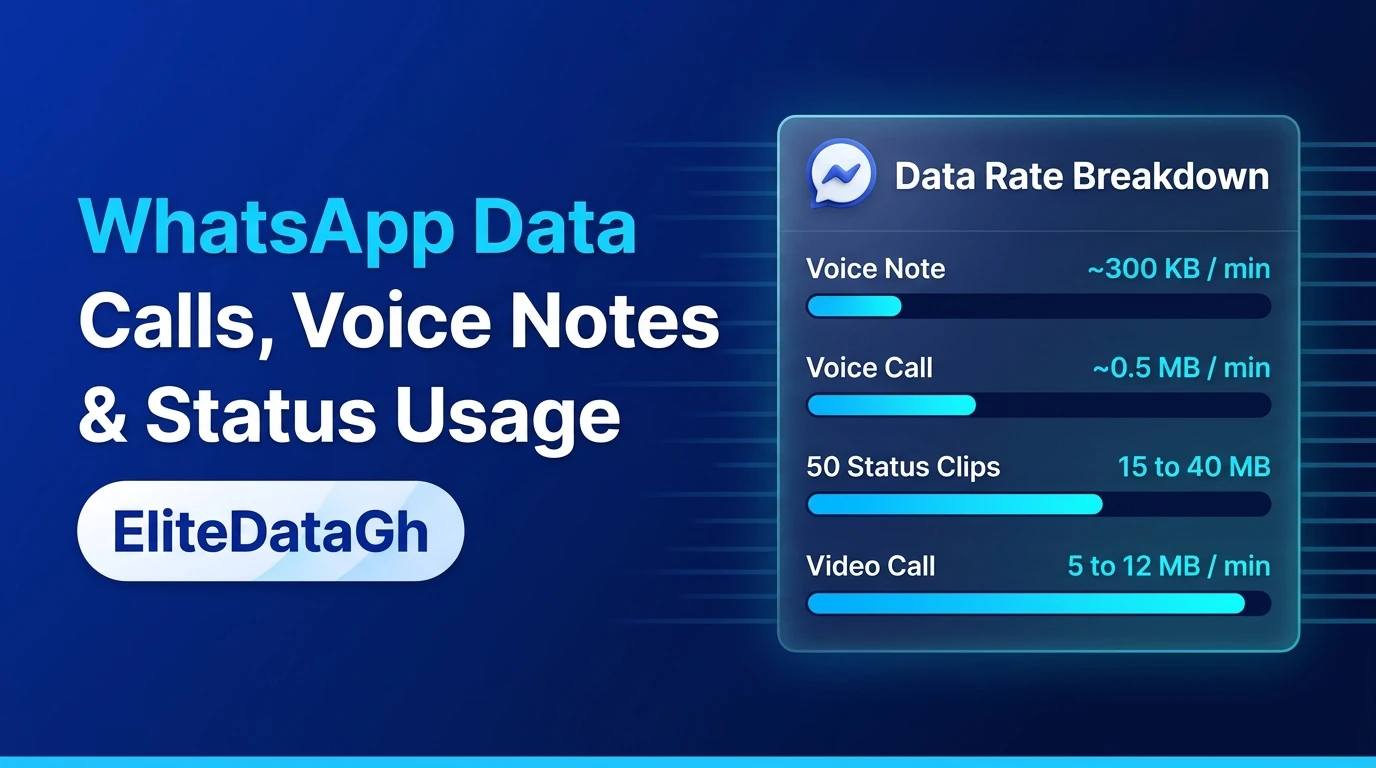
How Much Data Do WhatsApp Calls, Voice Notes, and Status Updates Actually Use?
Find out how much mobile data WhatsApp voice calls, video calls, voice notes, and Status updates consume in MB and GB per hour, plus 5 data-saving settings.