
How to Approve or Decline Pending Mobile Money Prompts Safely (*170# My Approvals)

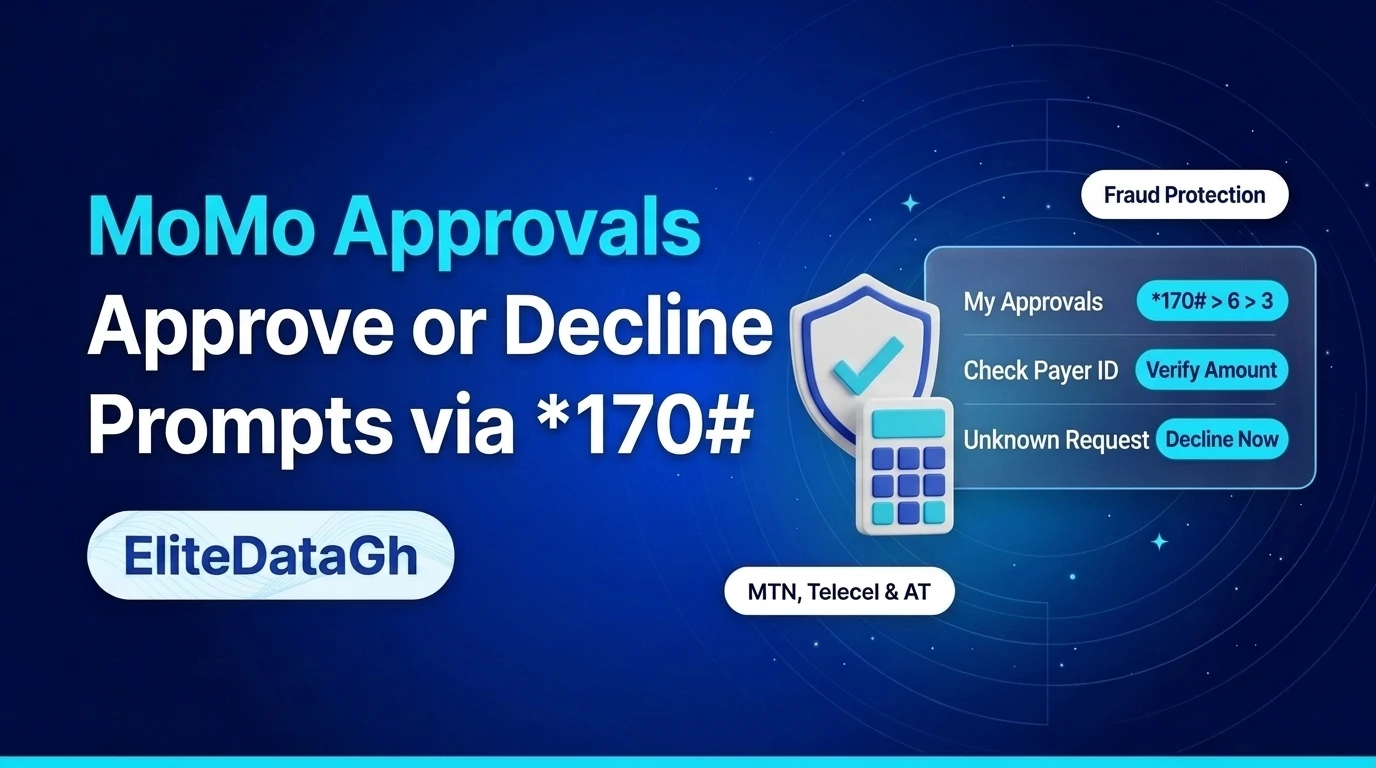
Table of Contents
- Mobile Money Approval and Security Shortcodes in Ghana
- Why Pending MoMo Prompts Appear Inside `*170#` My Approvals
- Step 1: How to Approve a Genuine Pending MoMo Prompt (`*170#`)
- Step 2: How to Decline an Unknown or Suspicious MoMo Prompt
- What About Pending Requests on Telecel Cash and AT Money (`*110#`)?
- 4 Mobile Money Approval Scams Active in Ghana Right Now
- What to Do Immediately If You Approved a Scam Prompt by Mistake
- Frequently Asked Questions
To view, approve, or decline a pending MTN Mobile Money (MoMo) payment request on your phone, dial *170#, select Option 6 (My Wallet), and choose Option 3 (My Approvals). Review the exact Merchant or Requester Name and GHS Amount displayed on screen before entering your 4-digit MoMo PIN to approve a genuine purchase, or immediately select Decline if you did not initiate the transaction yourself. Remember the golden security rule of Mobile Money in Ghana: you only ever enter your PIN to send money out of your wallet, never to receive funds.
Whether a legitimate online checkout popup failed to appear on your screen due to poor 4G signal, or a stranger unexpectedly triggered a cash-out prompt hoping you would type your PIN by mistake, mastering the *170# My Approvals menu protects your balance from both failed payments and Mobile Money fraud.
Mobile Money Approval and Security Shortcodes in Ghana
Use these official network USSD paths to inspect pending deductions, verify wallet statements, and report unauthorized requests:
| Task or Security Action | Network | Official USSD Code Path | Purpose |
|---|---|---|---|
| Open My Approvals queue | MTN MoMo | *170# then 6 then 3 | Approves or declines pending debit requests |
| Enable temporary Allow Cash Out | MTN MoMo | *170# then 2 | Unlocks agent withdrawal prompts safely |
| Check recent wallet statement | MTN MoMo | *170# then 6 then 5 | Verifies if a pending debit actually cleared |
| Change 4-digit MoMo PIN | MTN MoMo | *170# then 6 then 4 | Secures wallet after any suspicious prompt |
| Report MoMo fraud immediately | MTN MoMo | Dial 109 or 100 | Freezes stolen funds before agent cash-out |
| Check wallet menu & history | Telecel Cash / AT Money | Dial *110# | Reviews mini statements, approvals, and PIN |
You can view every wallet security and customer care code across all Ghanaian operators inside our Ghana USSD Shortcodes Directory.
Why Pending MoMo Prompts Appear Inside *170# My Approvals
Under normal conditions, paying an online store, paying ECG bills, renewing NHIS on *929#, or initiating an agent cash-out sends an instant USSD dialog prompt directly to your phone screen. However, three everyday situations push that request into your silent My Approvals queue instead:
- You Were on a Voice Call or Using Heavy Background Data: Active 2G/3G/4G voice calls on non-VoLTE SIM cards temporarily pause incoming interactive USSD popups.
- Screen Timeout or Pocket Lock Dismissal: If the popup stayed unanswered on your phone screen for more than 30 to 45 seconds, it timed out visually while staying valid in your approvals queue for a short claim window.
- High Gateway Traffic Congestion: During busy evening hours or salary days (25th to the 3rd of each month), online payment processors enqueue the billing request without triggering the foreground screen alert right away.
(Tip: Always check *170# My Approvals first before clicking Pay Again at any online checkout. Checking first prevents accidental double deductions!)
Step 1: How to Approve a Genuine Pending MoMo Prompt (*170#)
If you are actively waiting at an agent kiosk, hospital billing desk, or online payment gateway and no PIN popup appeared on screen, approve the request safely with these exact steps:
- Dial
*170#on your MTN Ghana line. - Select Option 6 (My Wallet).
- Select Option 3 (My Approvals).
- Inspect the list of pending authorization requests waiting on your number.
- Select the pending transaction number (
1,2, and so on). - Verify Two Details Before Typing Your PIN:
- Requester / Merchant Name: Confirm it matches the exact business, agent shop, biller, or payment processor (Paystack, Hubtel, NHIA, ECG) you personally clicked to pay.
- Exact GHS Amount: Confirm the cedi figure matches your bill (never approve a request whose amount is higher than expected).
- Enter your 4-digit MTN MoMo PIN once to authorize the transfer cleanly.
- Wait for the official MTN MoMo SMS confirmation receipt.
Approving Legitimate Cash-Out at an Agent (*170# Option 2 vs My Approvals)
On MTN MoMo, roadside agent cash-outs carry extra Allow Cash Out protection:
- When standing in front of a trusted Mobile Money agent, dial
*170#and select Option 2 (Allow Cash Out) first (this unlocks cash-out reception on your SIM for 10 minutes). - Give the agent your phone number and watch the agent initiate the withdrawal on their merchant phone.
- If the popup arrives on screen, verify the Agent Name and Cash-Out Amount match the cash you are collecting in hand, then enter your PIN.
- If the popup delays on screen, dial
*170#, choose Option 6 (My Wallet), open Option 3 (My Approvals), verify the Agent Name and Amount, and authorize there.
Step 2: How to Decline an Unknown or Suspicious MoMo Prompt
If you receive an unexpected PIN popup while sitting at home (or see an unfamiliar merchant or cash-out request inside *170# My Approvals that you never asked for), never enter your PIN just to dismiss the screen:
- If the popup is live on your phone screen: Tap Cancel or Dismiss (do not type any 4 digits, not even a fake PIN, because typing anything or hitting OK can trigger accidental validation retries).
- If the request is sitting inside
*170#Option 6 Option 3: Select the unfamiliar item, choose Decline / Reject, and confirm cancellation so the pending debit cannot be triggered accidentally. - Lock Down Cash-Out Access Immediately: Make sure you never leave Allow Cash Out (
*170#Option 2) active unless you are physically standing in front of an agent counting your money.
What About Pending Requests on Telecel Cash and AT Money (*110#)?
While MTN MoMo uses the dedicated *170# Option 6 Option 3 (My Approvals) queue, Telecel Cash and AT Money manage approvals slightly differently through the shared *110# shortcode:
- Timed Live Prompts on
*110#: Most Telecel Cash and AT Money merchant/cash-out requests rely on live real-time USSD session popups rather than sitting indefinitely in a background queue. If a payment popup expires before you enter your PIN, simply restart the checkout or agent request. - Checking Recent History & Pending Status on
*110#: Dial*110#on your Telecel or AT SIM card, open My Account / Wallet, and select Mini Statement or Check Balance to confirm whether a timed-out transaction deducted money before you retry payment. - Using the Official Apps (
myMTN,Telecel Play,AT Mobile): All three carriers now allow biometric (fingerprint or Face ID) transaction confirmation inside their official apps, giving you a full on-screen merchant breakdown before you tap Confirm.
4 Mobile Money Approval Scams Active in Ghana Right Now
Scammers in Ghana specifically exploit how *170# My Approvals works because victims do not realize that every My Approvals item is a debit taking money OUT of your wallet. Watch out for these four scripts:
1. The Fake Network Promo, Refund, or Cash-In Call
- The Trick: A caller from a regular 10-digit mobile number (
024,054,055,059,020) claims you won an MTN promotion, received a wrong reversal, or need to receive payment for an item you are selling, and instructs you to dial*170#, select 6 (My Wallet), select 3 (My Approvals), and enter your PIN to accept the money. - The Reality: Accepting or receiving Mobile Money NEVER requires your PIN or checking My Approvals. The scammer secretly initiated a merchant pay or agent cash-out debit against your phone number and wants you to approve the theft inside My Approvals.
2. The Misleading Merchant or Biller Name
- The Trick: Scammers register merchant accounts under reassuring names like
MOMO VERIFICATION,CUSTOMER CARE, orGHANA REWARDso the My Approvals screen looks official when it pops up. - The Reality: Look closely at the Amount (GHS) line. An official carrier support line or registration check never charges GHS 200 or GHS 1,500 inside
*170#My Approvals.
3. Late-Night Push-Bombing
- The Trick: Fraudsters trigger three or four rapid checkout requests late at night while you are half asleep, hoping you blindly enter your PIN just to make the popups stop flashing on your screen.
- The Reality: Toggle Airplane Mode ON for 60 seconds if you ever get spammed by rapid unwanted USSD popups, then switch signal back on, ignore the callers, and review your mini statement safely.
4. Urgent Caller Claiming SIM Deactivation Unless You Approve
- The Trick: Someone pretends to be from your carrier Ghana Card registration team and says your SIM will shut down in 30 minutes unless you clear a pending code in
*170#My Approvals. - The Reality: Official SIM registration status is strictly checked via
*400#(*404#on AT) at zero charge, and carrier staff will never ask you to enter your MoMo PIN over the phone.
What to Do Immediately If You Approved a Scam Prompt by Mistake
If you realize within seconds or minutes that you entered your PIN on a fraudulent request inside My Approvals:
- Call
109(MTN MoMo Fraud Desk) or100Immediately: Give the agent your Transaction ID (from the confirmation SMS) and ask for an immediate emergency lien (freeze) on the receiving merchant or agent wallet before the scammer cashes out. - Check Your Remaining Balance & Statement: Dial
*170#then 6 then 5 (or check your app) to verify the exact remaining balance and destination account. - Change Your MoMo PIN Right Away: Dial
*170#then 6 then 4 (or*110#Wallet Security) and change your 4-digit PIN immediately in case social engineering also revealed personal clues. - Report to Authorities for Recovery: Obtain your transaction dispute reference from Customer Care and report serious financial fraud to the Cyber Security Authority (CSA Ghana) and the nearest Ghana Police Service station with the recipient phone number or merchant ID.
Frequently Asked Questions
How do I find My Approvals on MTN MoMo?
Dial *170# on your MTN Ghana SIM card, select Option 6 (My Wallet), and choose Option 3 (My Approvals) to view any pending payment or cash-out authorizations waiting for your PIN.
Do I ever need to check My Approvals or enter my MoMo PIN to receive money?
No. Incoming Mobile Money transfers and refunds credit automatically to your wallet without any PIN entry. Every request inside My Approvals (*170# Option 6 Option 3) takes money out of your wallet.
Why is my My Approvals list empty when a payment website says waiting for confirmation?
An empty My Approvals queue usually means the online merchant checkout failed to reach the MTN payment gateway (for example due to an unsupported wallet network or expired session), the 15-minute claim window already expired, or you dialed *170# from a different SIM slot than the wallet number typed at checkout.
Can someone steal my money from My Approvals if I refuse to enter my PIN?
No. Without your 4-digit MoMo PIN, pending payment and cash-out requests inside My Approvals cannot deduct a single pesewa from your wallet and automatically expire safely if ignored or declined.
Verify transfer charges, cash-out tariffs, and official carrier USSD codes anytime inside our MoMo Charges Calculator and Ghana USSD Shortcodes Directory.
Keep Reading

Telecel One Family Plan Explained: How to Share Voice and Data Across Numbers
Telecel One Family explained: dial *900# or use Telecel Play to share broadband data and voice across 1 to 4 paired numbers on 30-day household plans cleanly.

How to Share or Transfer Airtime on Telecel Ghana Using *516#
Dial *516# on Telecel Ghana to share airtime credit to 020 and 050 numbers. Learn the express code, GHS 0.05 fee, default 1234 PIN setup, and transfer rules.

MTN Pulse and Mashup Bundles (*567#): Complete USSD Guide and Validity Rules
Dial *567# for MTN Pulse Mashup bundles in Ghana. Explore Voice and Data mix rules, social bonuses, non-expiry validity, and *567*4# balance checks cleanly.

MTN Ghana Data Zone (*138#) Explained: Why Offers Disappear and How to Qualify
Learn why MTN Ghana Data Zone (*135# and *138#) and Just4U (*141#) offers change, how NCA SMP rules affect pricing, and how your SIM qualifies for better data.

How to Cancel Unwanted Subscriptions and Caller Tunes Draining MTN Airtime
Cancel unwanted MTN Ghana subscriptions draining your airtime: dial *175# for VAS promos, *1355# or SMS Unsubscribe to 1355 for Caller Tunez, and STOP to 138.

How to Check Your SSNIT Number, Statements, and Pay Contributions via USSD (*711*9#)
Dial *711*9# on MTN, Telecel, or AT to verify your SSNIT number, merge your Ghana Card, email contribution statements, and pay SEED MoMo contributions.

Complete Guide to Ghana Emergency Shortcodes: Police (191), Fire (192), Ambulance (193), and 112
Dial 112 toll-free in Ghana for unified Police (191), Fire (192), and Ambulance (193) dispatch, plus verified NADMO, DOVVSU, ECG, and 292 cyber hotlines.