
How to Block and Replace a Stolen or Lost SIM Card in Ghana (MTN, Telecel, and AT)

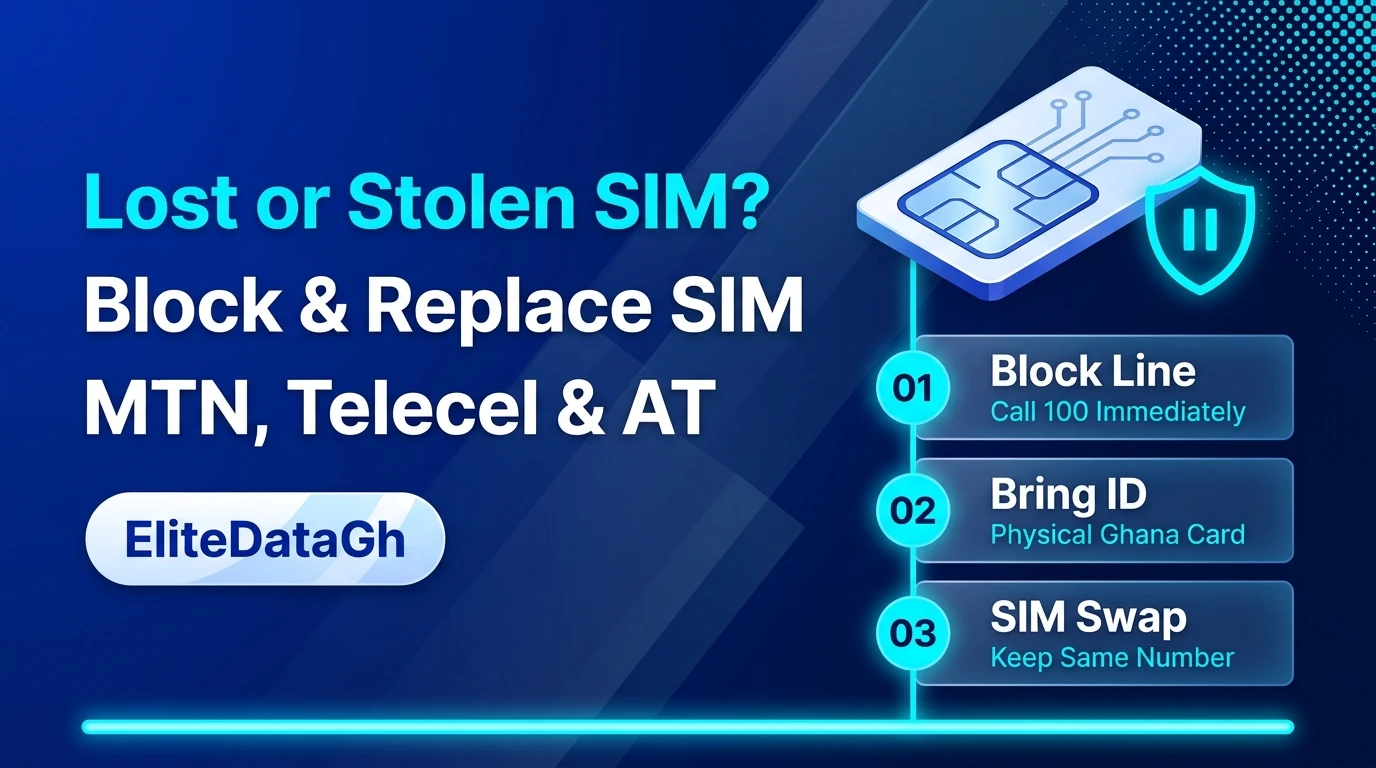
Table of Contents
- Emergency Block Numbers and SIM Replacement Costs in Ghana
- Phase 1: Block Your Stolen SIM Card Within Minutes (Before Replacing It)
- Phase 2: Requirements to Replace Your SIM Card Under NCA Rules
- Step-by-Step Replacement Process by Network
- Special Case 1: What If Both Your Phone AND Physical Ghana Card Were Stolen?
- Special Case 2: Replacing a SIM Registered Under the Ghana Card of Another Person
- What Happens to Your Number, Data Bundles, Contacts, and MoMo After SIM Swap?
- Frequently Asked Questions
To block and replace a stolen or lost SIM card in Ghana, first borrow a same-network phone and call 100 (MTN 0244300000, Telecel 0200000100, or AT 0260000100) immediately to place a temporary bar on your line and Mobile Money wallet. Once the lost SIM is disabled, carry your physical Ghana Card (plus GHS 5.00 to GHS 15.00 for the blank SIM or eSIM pack) to an official MTN Service Center, Telecel Retail Shop, or AT Customer Experience Center (or use MTN self-service biometric swap via *1333# and the myMTN App) to move your exact phone number, airtime, bundles, and MoMo balance onto a new SIM.
Whether your smartphone was pickpocketed in traffic, left behind in a taxi, or damaged alongside the SIM plastic inside, every minute an active SIM remains unblocked puts your SMS verification codes, WhatsApp account, and Mobile Money wallet at risk. Knowing both the emergency blocking hotlines and the National Communications Authority (NCA) biometric replacement rules gets you reconnected on the same day.
Emergency Block Numbers and SIM Replacement Costs in Ghana
Keep these official carrier hotlines and SIM swap details ready whenever a phone goes missing:
| Mobile Network | Emergency Block Helpline | Alternative Number / Self-Swap | Standard Replacement Fee | Where to Replace |
|---|---|---|---|---|
| MTN Ghana | Call 100 (109 for MoMo fraud) | Call 0244300000 / Self-swap via *1333# | ~GHS 10 (GHS 5 to 15) | MTN Service Center / Accredited Agent |
| Telecel Ghana | Call 100 | Call 0200000100 or 0505555111 | ~GHS 10 (GHS 5 to 15) | Telecel Retail Shop |
| AT Ghana | Call 100 | Call 0260000100 / WhatsApp 0266116611 | ~GHS 10 (GHS 5 to 15) | AT Customer Experience Center |
You can view every carrier USSD balance, SIM status check (*400#), and Mobile Money recovery code in one directory inside our Ghana USSD Shortcodes Directory.
Phase 1: Block Your Stolen SIM Card Within Minutes (Before Replacing It)
Do not wait until you reach a carrier shop to block a stolen SIM card. As soon as you realize your handset is gone:
- Borrow a Same-Network Phone (or Use the Direct Off-Net Hotline):
- MTN: Call
100from any MTN line, or0244300000from another network or landline. Also ask the agent on109if you suspect Mobile Money tampering. - Telecel: Call
100from a Telecel line, or0200000100/0505555111from MTN or AT. - AT Ghana: Call
100from an AT line, call0260000100from any network, or send a message to official AT WhatsApp support at0266116611.
- MTN: Call
- Request Both a SIM Line Bar AND a Mobile Money Suspension: Explicitly tell the support advisor to bar incoming/outgoing calls and SMS and place a temporary security hold on your MTN MoMo, Telecel Cash, or AT Money wallet.
- Pass Quick Ownership Verification: Have your Full Name, Date of Birth, 13-character Ghana Card PIN (
GHA-XXXXXXXXX-X), approximate remaining airtime/MoMo balance, and 2 to 3 recent transaction or dialed-number details ready. - Remotely Lock Your Handset Hardware (If Stolen): Open Google Find My Device (Android) or Apple iCloud Find My (iPhone) from a trusted phone or laptop to trigger Lost Mode or Erase Device so thieves cannot read offline files.
Phase 2: Requirements to Replace Your SIM Card Under NCA Rules
Because all active Ghanaian SIM cards are biometrically linked to the National Identification Authority (NIA) database, roadside umbrella vendors cannot hand out unregulated duplicate SIMs. Bring the following to pass biometric SIM swap validation:
- Your Original Physical Ghana Card: The agent scans your live fingerprint or facial biometrics and matches them against the Ghana Card linked to that phone number.
- New Blank SIM Pack or Upgrade SIM (or Supported eSIM Phone): Available right at the service center desk (usually around GHS 10.00).
- Account Activity Clues: Expect standard security prompts asking for your last recharge amount, two frequently dialed contacts, or recent MoMo transfer figures.
- IMEI or Original SIM Jacket (Helpful Backup): Not mandatory if biometrics pass cleanly, but helpful on disputed legacy lines.
Step-by-Step Replacement Process by Network
1. Replacing an MTN Ghana SIM Card (*1333# Self-Swap or Walk-In)
- In-Person Replacement: Walk into any official MTN Service Center or accredited MTN Connect dealer with your physical Ghana Card. The advisor captures your biometrics, verifies your usage answers, programs a new blank MTN 4G/5G SIM card (or eSIM QR code for eSIM-capable smartphones), and activates your number within minutes.
- MTN Self-Service Biometric SIM Swap (
*1333#& myMTN App): MTN Ghana supports digital self-service SIM swap on the myMTN App or via USSD*1333#using a blank MTN replacement SIM pack and a secure live facial/biometric scan matched against your registered identity. Once verified, the swap completes automatically without waiting in long service-center queues.
2. Replacing a Telecel Ghana SIM Card
- Visit any official Telecel Retail Shop carrying your physical Ghana Card (and the handset if requesting an eSIM replacement).
- Request a SIM Replacement / Lost SIM Swap and state your 10-digit
020or050number. - Complete the advisor biometric fingerprint / Ghana Card check and answer basic recent usage verification questions.
- Pay the standard blank SIM fee (typically ~GHS 10.00) and wait 5 to 30 minutes for your replacement SIM card (or eSIM profile) to lock onto the Telecel network.
- Call
100or ask the shop advisor to lift any temporary Telecel Cash block placed during Phase 1.
3. Replacing an AT Ghana (AirtelTigo) SIM Card
- Walk into an official AT Customer Experience Center with your physical Ghana Card.
- Confirm your registered name,
026/027/056/057phone number, and basic registration details. - Complete the biometric match, pay the standard replacement fee (~GHS 10.00), and collect your newly mapped SIM card.
- Once signal bars appear, verify your Mobile Money and AT BigTime data bundle balances via
*110#and*504#.
Special Case 1: What If Both Your Phone AND Physical Ghana Card Were Stolen?
If thieves snatched a handbag or wallet holding both your phone and your physical Ghana Card:
- Report to Customer Care Right Away: Call
100immediately to block the SIM card using your memorized Ghana Card PIN (GHA-XXXXXXXXX-X), full name, date of birth, and recent transaction history so the thief cannot touch your wallet while you replace your ID. - Obtain a Police Extract / Report: Visit the nearest Ghana Police Service station to file a missing ID report and collect an official Police Extract.
- Replace Your Ghana Card at an NIA Office: Take your Police Extract to a National Identification Authority (NIA) District or Regional office to process a card replacement (GHS 200 standard replacement fee at district offices via approved CalBank /
*771#payment steps). - Return for Your Biometric SIM Swap: As soon as your replacement Ghana Card prints, complete your biometric SIM replacement at your network center.
Special Case 2: Replacing a SIM Registered Under the Ghana Card of Another Person
If you have been using a phone number originally registered under the Ghana Card of a parent, spouse, sibling, or employer:
- Bring the Registered Cardholder With You: Network advisors are legally prohibited from swapping a SIM based on a third party ID card alone. Both you and the registered Ghana Card owner (carrying their original Ghana Card) must appear together for biometric verification.
- Complete Transfer of Ownership Afterwards: Right after restoring the line, ask the service desk to perform a formal SIM Transfer of Ownership so your personal Ghana Card is linked permanently for any future replacements or MoMo issues.
What Happens to Your Number, Data Bundles, Contacts, and MoMo After SIM Swap?
| Account Item | Preserved on New SIM? | Explanation |
|---|---|---|
| 10-Digit Phone Number | Yes (100%) | Old plastic SIM permanently disconnects; all calls and SMS route to the new SIM |
| MTN MoMo / Telecel Cash / AT Money | Yes (100%) | Wallet funds stay stored safely on the operator server throughout the swap |
| Remaining Airtime & Non-Expiry Data | Yes (100%) | All active main airtime and non-expiry data balances remain untouched |
| Phone Numbers Saved to SIM Memory | No | Contacts saved strictly on lost phone storage or lost SIM plastic cannot transfer unless backed up to Google Contacts or iCloud |
(Security Tip: Remember to inspect WhatsApp Two-Step Verification, change your 4-digit MoMo PIN, and check banking apps after restoring your SIM card.)
Frequently Asked Questions
How much does it cost to replace a lost or stolen MTN, Telecel, or AT SIM card in Ghana?
A standard SIM replacement (or eSIM swap) at an official MTN Service Center, Telecel Retail Shop, or AT Customer Experience Center typically costs around GHS 10.00 (generally between GHS 5.00 and GHS 15.00 depending on the carrier SIM pack).
Can someone replace my stolen SIM card without my Ghana Card?
No. Under mandatory NCA biometric registration directives, every SIM replacement in Ghana requires live fingerprint or facial matching against your Ghana Card NIA record, meaning strangers cannot swap your phone number without your biometrics.
How long does a replacement SIM card take to start receiving calls and SMS?
Once your biometric SIM swap completes at a carrier office (or through *1333# self-swap on MTN), your replacement SIM normally activates within 5 to 30 minutes after restarting your phone.
Will switching to an eSIM protect me better if my phone gets stolen?
Yes. An eSIM cannot be physically pulled out of a stolen phone and inserted into another handset to receive bank or WhatsApp OTP SMS messages, especially when protected by your phone lock-screen passcode and Find My Device tracking.
Verify active SIM registration status (*400#), wallet balance checks, and all customer support numbers across Ghana in our Ghana USSD Shortcodes Directory and MoMo Charges Calculator.
Keep Reading

Telecel One Family Plan Explained: How to Share Voice and Data Across Numbers
Telecel One Family explained: dial *900# or use Telecel Play to share broadband data and voice across 1 to 4 paired numbers on 30-day household plans cleanly.

How to Share or Transfer Airtime on Telecel Ghana Using *516#
Dial *516# on Telecel Ghana to share airtime credit to 020 and 050 numbers. Learn the express code, GHS 0.05 fee, default 1234 PIN setup, and transfer rules.

MTN Pulse and Mashup Bundles (*567#): Complete USSD Guide and Validity Rules
Dial *567# for MTN Pulse Mashup bundles in Ghana. Explore Voice and Data mix rules, social bonuses, non-expiry validity, and *567*4# balance checks cleanly.

MTN Ghana Data Zone (*138#) Explained: Why Offers Disappear and How to Qualify
Learn why MTN Ghana Data Zone (*135# and *138#) and Just4U (*141#) offers change, how NCA SMP rules affect pricing, and how your SIM qualifies for better data.

How to Cancel Unwanted Subscriptions and Caller Tunes Draining MTN Airtime
Cancel unwanted MTN Ghana subscriptions draining your airtime: dial *175# for VAS promos, *1355# or SMS Unsubscribe to 1355 for Caller Tunez, and STOP to 138.

How to Check Your SSNIT Number, Statements, and Pay Contributions via USSD (*711*9#)
Dial *711*9# on MTN, Telecel, or AT to verify your SSNIT number, merge your Ghana Card, email contribution statements, and pay SEED MoMo contributions.

Complete Guide to Ghana Emergency Shortcodes: Police (191), Fire (192), Ambulance (193), and 112
Dial 112 toll-free in Ghana for unified Police (191), Fire (192), and Ambulance (193) dispatch, plus verified NADMO, DOVVSU, ECG, and 292 cyber hotlines.