
How to Borrow Airtime and Data on MTN Ghana Using XtraTime and XtraByte (*506#)

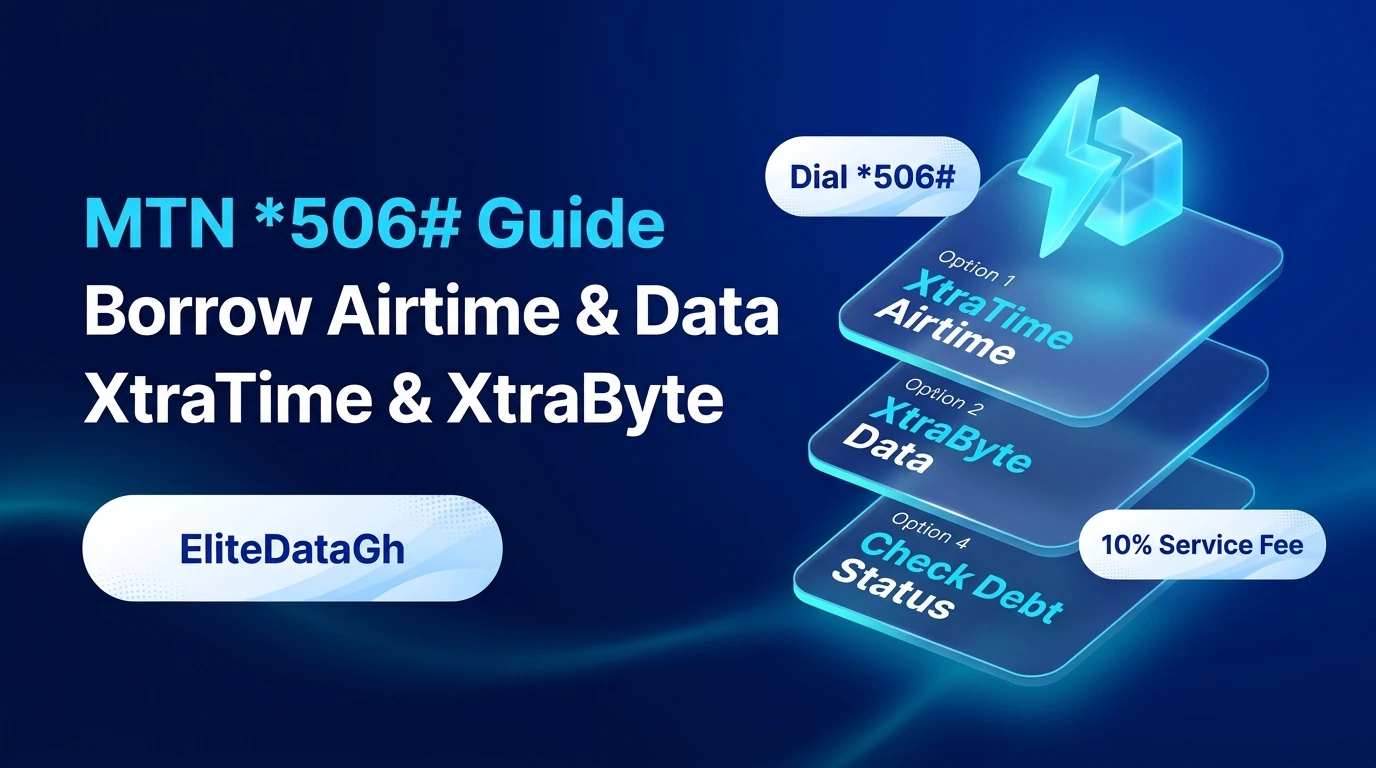
Table of Contents
- MTN `*506#` XtraTime and XtraByte Overview
- Step 1: How to Borrow Airtime on MTN Ghana Using XtraTime (`*506#`)
- Step 2: How to Borrow Data on MTN Ghana Using XtraByte (`*506#`)
- XtraTime vs XtraByte: Which One Should You Borrow?
- MTN `*506#` Eligibility Rules (Why Some Numbers Cannot Borrow)
- How MTN `*506#` Repayment Works (And the MoMo Bundle Rule)
- Frequently Asked Questions
To borrow emergency airtime or mobile data on MTN Ghana, dial *506# on your prepaid line, select Option 1 (XtraTime) for an airtime advance or Option 2 (XtraByte) for a data bundle advance, and choose from the credit tiers unlocked for your SIM card. MTN applies a flat 10% service fee to every advance and automatically recovers the borrowed amount the next time you recharge your main airtime balance.
Running out of credit in the middle of an urgent phone call or online session is common when you have no physical scratch cards nearby or when your Mobile Money wallet is temporarily empty. Knowing how the *506# credit scoring algorithm works, how the 10% commission affects your usable balance, and how airtime repayment interacts with Mobile Money purchases helps you manage emergency telecom credit without unexpected deductions.
MTN *506# XtraTime and XtraByte Overview
The *506# portal works 24/7 on all biometrically registered MTN prepaid SIM cards without requiring an active internet connection:
| Feature or Action | USSD Code or Path | Service Fee | Key Details |
|---|---|---|---|
| Borrow Airtime (XtraTime) | *506# then Option 1 | 10% flat fee | Credits emergency airtime for calls, SMS, and bundle purchases |
| Borrow Data (XtraByte) | *506# then Option 2 | 10% flat fee | Credits an instant MB or GB data bundle directly to your line |
| Check Borrowed Usage Balance | *124# | Free | Displays remaining XtraTime credit and active XtraByte data |
| Check Outstanding Loan Debt | *506# (Account / Debt Menu) | Free | Shows exact GHS debt awaiting your next airtime top-up |
| Verify SIM Registration Status | *400# | Free | Confirms Ghana Card linkage required for *506# eligibility |
You can find *506# alongside all emergency credit, balance, and utility shortcodes in our free Ghana USSD Shortcodes Directory.
Step 1: How to Borrow Airtime on MTN Ghana Using XtraTime (*506#)
MTN XtraTime provides instant voice and SMS credit when your main prepaid balance drops near zero:
- Dial
*506#on your MTN Ghana phone number. - Select Option 1 (XtraTime) from the main USSD screen.
- Review the list of personalized GHS credit amounts unlocked for your SIM card (amounts vary by subscriber based on your historical recharge frequency).
- Reply with the number corresponding to the amount you want to borrow.
- Confirm the request on the next prompt. MTN credits your XtraTime account within seconds and sends an SMS confirmation showing the net credit received and total amount due.
How the 10% MTN XtraTime Service Fee Works
MTN deducts its 10% service commission upfront when disbursing XtraTime airtime, meaning 90% of the requested tier is credited to your wallet while 100% of the tier value is recorded as your repayment obligation:
| Borrowed Tier Selected | 10% Service Fee Deducted | Net Usable Airtime Credited | Total Repaid on Next Recharge |
|---|---|---|---|
| GHS 2.00 | GHS 0.20 | GHS 1.80 | GHS 2.00 |
| GHS 5.00 | GHS 0.50 | GHS 4.50 | GHS 5.00 |
| GHS 10.00 | GHS 1.00 | GHS 9.00 | GHS 10.00 |
| GHS 20.00 | GHS 2.00 | GHS 18.00 | GHS 20.00 |
| GHS 50.00 | GHS 5.00 | GHS 45.00 | GHS 50.00 |
(Note: Because the 10% fee is withheld from the disbursed airtime, remember to request a tier slightly higher than the exact price of any voice or data package you intend to buy with that borrowed airtime.)
Step 2: How to Borrow Data on MTN Ghana Using XtraByte (*506#)
If you only need mobile internet access, borrowing via XtraByte is safer than borrowing raw airtime because XtraByte credits a dedicated data bundle right away instead of leaving loose airtime exposed to background Pay-As-You-Go data rates:
- Dial
*506#on your MTN line. - Select Option 2 (XtraByte / Data Advance).
- Browse the available data bundle sizes offered to your number (ranging from small daily megabyte packs up to multi-gigabyte bundles depending on your credit limit).
- Select your preferred data package and confirm the prompt.
- Wait for the confirmation SMS before turning on your mobile data toggle.
Not sure how many megabytes or gigabytes you need for a video call, software update, or study session before borrowing? Estimate your exact usage with our free Mobile Data Usage Calculator.
XtraTime vs XtraByte: Which One Should You Borrow?
- Choose XtraTime (Airtime Advance) when you need to make urgent phone calls across MTN, Telecel, or AT, send standard SMS messages, or split your credit between voice calls and a small data bundle on
*138#. - Choose XtraByte (Data Advance) when you only need internet connectivity. With XtraByte, the full data allocation lands directly in your bundle bucket, and a 10% service charge is added to the cash repayment figure collected on your next airtime top-up (for example, borrowing a GHS 5.00 data bundle sets a GHS 5.50 repayment balance on your next airtime recharge).
MTN *506# Eligibility Rules (Why Some Numbers Cannot Borrow)
If dialing *506# returns a message stating that you are not eligible for an advance, check these five qualification requirements enforced by the MTN credit engine:
- Prepaid Account Status: XtraTime and XtraByte are strictly for Prepaid (Pay-As-You-Go) subscribers; postpaid corporate and contract lines are excluded.
- Complete Ghana Card SIM Registration: Your SIM card must be fully linked to your biometric Ghana Card (check your registration status by dialing
*400#). - Minimum Network Tenure (90+ Days): New SIM cards must stay active on the MTN Ghana network for at least 3 months (90 days) of consistent use before the automated scoring system assigns an initial credit limit.
- Consistent Monthly Airtime Recharge History: Your maximum borrowable limit scales up or down dynamically based on how frequently you recharge airtime and how quickly you clear previous
*506#advances. - No Maxed-Out Unpaid Loans: If you have already borrowed up to your assigned credit ceiling and have not recharged airtime to clear the balance, additional requests are blocked until repayment occurs.
How MTN *506# Repayment Works (And the MoMo Bundle Rule)
Understanding how MTN recovers borrowed credit prevents confusion when you top up your phone:
1. Automatic Full or Partial Deduction on Airtime Recharge
The moment you load regular airtime onto your MTN number (via scratch card *134*PIN#, MTN MoMo airtime purchase, or a bank app airtime top-up), the billing system intercepts the recharge to settle your *506# debt:
- Full Recovery: If you owe GHS 5.00 and recharge GHS 10.00 of airtime, MTN deducts GHS 5.00 immediately and leaves GHS 5.00 in your main balance.
- Partial Recovery: If you owe GHS 10.00 and recharge GHS 4.00 of airtime, MTN deducts the GHS 4.00 toward your loan and reduces your remaining debt to GHS 6.00.
2. Why Direct Mobile Money Data Purchases Do Not Clear XtraTime Debt
Your MTN Mobile Money (*170#) wallet and your Main Prepaid Airtime Account operate on two separate ledgers:
- Depositing cash into your MTN MoMo wallet does not trigger an XtraTime or XtraByte deduction.
- Buying a data bundle directly from your MoMo wallet (without recharging main airtime first) credits your data balance directly without clearing your unpaid
*506#airtime loan. - However, your unpaid
*506#balance remains recorded on your SIM card, and you will not be able to borrow again on*506#until you recharge regular airtime to clear the outstanding debt.
Frequently Asked Questions
How do I check how much I owe on MTN XtraTime or XtraByte?
Dial *506# and select the Check Debt / Account Status option on the menu to view your exact unpaid loan balance, or dial *124# to check your remaining borrowed airtime and data balances.
Can I transfer borrowed MTN XtraTime airtime to another number using *198#?
No. Airtime borrowed through *506# XtraTime is credited to a dedicated advance sub-account and cannot be transferred to another subscriber via MTN Me2U (*198#). You can only use it directly on your own line for calls, SMS, or bundle activations.
How can I increase my MTN *506# borrowing limit?
To unlock higher GHS borrowing tiers on *506#, recharge your main airtime balance regularly every month and pay back borrowed XtraTime or XtraByte advances promptly within a few days rather than leaving the debt unpaid for weeks.
Can I cancel or deactivate MTN XtraTime if I dialed *506# by mistake?
Once you confirm the final prompt on *506# and receive the SMS credit notification, the advance cannot be reversed or canceled manually. Simply leave the credited airtime untouched or allow your next airtime top-up to clear the balance automatically.
Explore more telecom shortcodes and data planning tools in our Ghana USSD Shortcodes Directory and Mobile Data Usage Calculator.
Keep Reading

Telecel One Family Plan Explained: How to Share Voice and Data Across Numbers
Telecel One Family explained: dial *900# or use Telecel Play to share broadband data and voice across 1 to 4 paired numbers on 30-day household plans cleanly.

How to Share or Transfer Airtime on Telecel Ghana Using *516#
Dial *516# on Telecel Ghana to share airtime credit to 020 and 050 numbers. Learn the express code, GHS 0.05 fee, default 1234 PIN setup, and transfer rules.

MTN Pulse and Mashup Bundles (*567#): Complete USSD Guide and Validity Rules
Dial *567# for MTN Pulse Mashup bundles in Ghana. Explore Voice and Data mix rules, social bonuses, non-expiry validity, and *567*4# balance checks cleanly.

MTN Ghana Data Zone (*138#) Explained: Why Offers Disappear and How to Qualify
Learn why MTN Ghana Data Zone (*135# and *138#) and Just4U (*141#) offers change, how NCA SMP rules affect pricing, and how your SIM qualifies for better data.

How to Cancel Unwanted Subscriptions and Caller Tunes Draining MTN Airtime
Cancel unwanted MTN Ghana subscriptions draining your airtime: dial *175# for VAS promos, *1355# or SMS Unsubscribe to 1355 for Caller Tunez, and STOP to 138.

How to Check Your SSNIT Number, Statements, and Pay Contributions via USSD (*711*9#)
Dial *711*9# on MTN, Telecel, or AT to verify your SSNIT number, merge your Ghana Card, email contribution statements, and pay SEED MoMo contributions.

Complete Guide to Ghana Emergency Shortcodes: Police (191), Fire (192), Ambulance (193), and 112
Dial 112 toll-free in Ghana for unified Police (191), Fire (192), and Ambulance (193) dispatch, plus verified NADMO, DOVVSU, ECG, and 292 cyber hotlines.