
How to Reset a Forgotten MTN MoMo, Telecel Cash, or AT Money PIN Safely

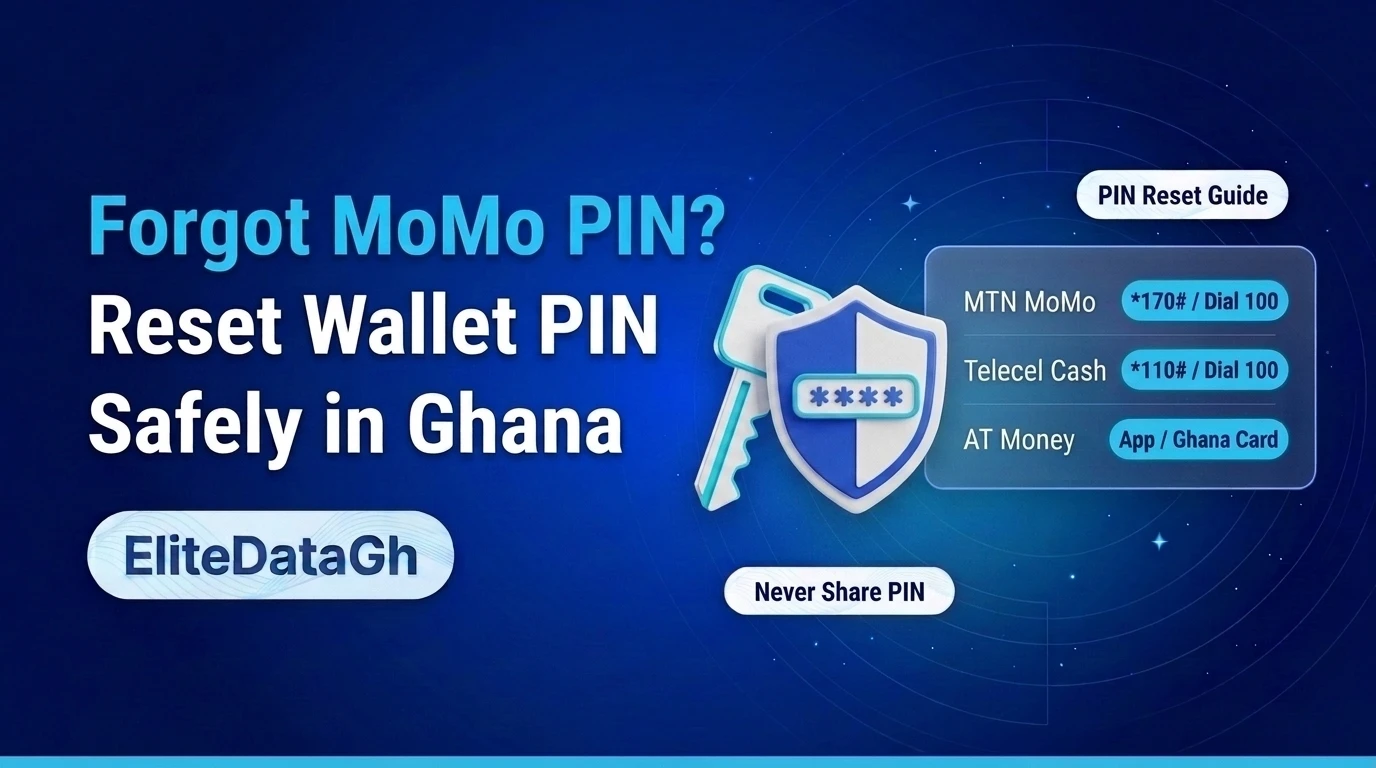
Table of Contents
- Official PIN Reset Channels Across All 3 Ghana Networks
- Stop Guessing Before Your Wallet Locks Permanently
- 1. How to Reset a Forgotten MTN MoMo PIN (`*170#`)
- 2. How to Reset a Forgotten Telecel Cash PIN (`*110#`)
- 3. How to Reset a Forgotten AT Money PIN (`*110#`)
- What Questions Customer Care Will Ask Before Resetting Any MoMo PIN
- 5 Security Rules After Resetting Your MoMo PIN
- Frequently Asked Questions
If you forget your Mobile Money PIN in Ghana or accidentally lock your wallet after entering the wrong code, dial *170# (Option 6 My Wallet, then Reset PIN / Change & Reset PIN) on MTN MoMo, dial *110# (Self Service / Forgot PIN) on Telecel Cash or AT Money, or call official customer care on 100 with your registered Ghana Card details ready. When a wallet is completely locked due to 3 to 5 consecutive wrong PIN attempts, customer care or a walk-in carrier service center can clear the security block once biometric or KYC verification succeeds.
Getting locked out of Mobile Money right when you need to pay transport fare, buy medicine, or settle a business invoice happens to thousands of Ghanaians every week. Rather than guessing combinations until your account is suspended (or worse, asking an unofficial vendor or WhatsApp stranger for help), using the official self-service USSD paths and identity verification checks keeps every cedi in your wallet safe.
Official PIN Reset Channels Across All 3 Ghana Networks
Check which channel works depending on whether you are changing an existing PIN, resetting a forgotten PIN, or unlocking a suspended wallet:
| Wallet Network | USSD Reset Path | Official App Option | Customer Care & In-Person Support | ID Required |
|---|---|---|---|---|
| MTN MoMo | *170# then 6 (My Wallet) then 4 / 7 | MTN MoMo App (Forgot PIN) | Dial 100 (109 for fraud) or MTN Service Center | Ghana Card |
| Telecel Cash | *110# (Self Service / PIN Reset) | Telecel Play App (Wallet Settings) | Dial 100 (0505555111 off-net) or Telecel Shop | Ghana Card |
| AT Money | *110# (My Wallet / Forgot PIN) | AT Mobile App (AT Money Settings) | Dial 100, WhatsApp 0266116611, or AT Center | Ghana Card |
You can view every wallet security, mini-statement, and customer support shortcode across Ghana in our Ghana USSD Shortcodes Directory.
Stop Guessing Before Your Wallet Locks Permanently
Before running through reset menus, keep this critical USSD threshold in mind:
- 3 to 5 Wrong Tries Lock the Wallet: Entering an incorrect 4-digit MoMo PIN repeatedly triggers an automated PIN Blocked / Suspended protection lock to stop thieves from brute-forcing a stolen phone.
- Wait After 2 Failed Attempts: If two attempts fail on
*170#or*110#, stop guessing immediately while your wallet still permits self-service reset or customer care assistance without requiring a full walk-in branch override.
1. How to Reset a Forgotten MTN MoMo PIN (*170#)
MTN Mobile Money provides self-service USSD reset, mobile app recovery, and helpline support depending on your lock status:
Resetting or Changing MTN MoMo PIN via *170#
- Dial
*170#on your MTN Ghana SIM card. - Select Option 6 (My Wallet).
- Select Change & Reset PIN (listed under Option 4 or Option 7 (Reset PIN) depending on your SIM menu version).
- Choose between:
- Change PIN (if you still remember your current PIN and want a stronger code).
- Reset PIN / Forgot PIN (if you cannot remember your PIN).
- Enter the requested KYC verification fields accurately (such as your Ghana Card Personal ID Number, Date of Birth, or security prompts linked to your wallet).
- Receive a temporary SMS reset authorization or confirm your new 4-digit PIN twice.
Resetting via MTN MoMo App or Customer Care (100)
- Using the MTN MoMo App: Open the MTN MoMo App on Android or iPhone, tap Forgot PIN on the login prompt, verify your SMS OTP and Ghana Card details, and set your new 4-digit code.
- When Self-Reset Fails or Wallet Is Blocked: Call
100from any active MTN line (use the exact SIM card if calling, or provide your details from a family phone). If the account has been hard-locked after too many failed attempts, carry your physical Ghana Card and registered SIM card to any official MTN Service Center for an instant biometric unblock and PIN reset.
2. How to Reset a Forgotten Telecel Cash PIN (*110#)
To recover access to your Telecel Cash wallet (formerly Vodafone Cash):
Using *110# or Telecel Play App
- Dial
*110#on your Telecel Ghana SIM card. - Select Self Service or Wallet / Account Management from the main menu.
- Choose Reset PIN / Forgot PIN (or Change PIN if you still know the current digits).
- Provide your Ghana Card verification details or date of birth as prompted.
- Set and confirm your new 4-digit Telecel Cash PIN.
- Alternatively, log in inside the Telecel Play App, open Telecel Cash, and follow the biometric PIN recovery steps under wallet settings.
When Telecel Cash Is Hard-Locked
If *110# reports that your PIN retries are exhausted:
- Call
100from any Telecel number (or call0505555111from an MTN or AT line). - Verify your Full Name, Ghana Card Number, and recent transaction amounts with the agent.
- If the automated system requires physical identity confirmation, visit the nearest Telecel Retail Shop with your physical Ghana Card so an advisor unlocks the wallet and issues a fresh temporary PIN.
3. How to Reset a Forgotten AT Money PIN (*110#)
To reset your AT Money (formerly AirtelTigo Money) wallet PIN cleanly:
- Dial
*110#on your AT Ghana SIM card. - Open My Wallet / Account Management and choose Forgot PIN (or Change PIN if updating a working PIN).
- Enter your registered KYC identity information (such as your Ghana Card PIN or security details).
- Follow the SMS prompt to activate a fresh 4-digit AT Money PIN.
- For blocked or restricted AT Money wallets, dial
100on your AT line, message official AT support on WhatsApp at0266116611, or visit an AT Customer Experience Center with your physical Ghana Card.
What Questions Customer Care Will Ask Before Resetting Any MoMo PIN
Whenever you call 100 on MTN, Telecel, or AT to lift a PIN lock, customer service must confirm you own the SIM card and Ghana Card profile before touching wallet security. Prepare these four details beforehand so your call does not drop mid-verification:
- Full Legal Name & Date of Birth: Must match the exact Ghana Card used to register the SIM.
- Ghana Card Personal ID Number (PIN): Keep your physical ID card in hand (
GHA-XXXXXXXXX-X). - Approximate Current Wallet Balance: Even an estimate (for example, around GHS 350 or under GHS 20) helps confirm ownership.
- Last 2 to 3 Recent Wallet Transactions: The approximate GHS amounts, dates, or recipient/sender networks of your most recent transfers or airtime purchases.
(Note: After Customer Care completes a PIN reset, the agent issues a temporary unlock or prompts your SIM to set a brand-new permanent PIN. Never tell the agent on the call what permanent 4-digit PIN you plan to set!)
5 Security Rules After Resetting Your MoMo PIN
Once you regain access to your wallet, lock down these five vulnerabilities so scammers and phone thieves never guess your new PIN:
- Never Use Birth Years (
1992to2006): Your birth year is the number-one code thieves try first if they steal both your phone and an ID card showing your date of birth. - Avoid Sequential or Repeated Digits: Never choose
1234,4321,0000,1111,2580(middle keypad column), or the last four digits of your phone number. - Never Pay Agents or WhatsApp Helpers to Reset Your PIN: Official carrier PIN resets via
*170#,*110#,100, or service centers are free of service fees. Scammers who promise paid fast PIN resets ask for your Ghana Card photo and take over your entire account via fraudulent SIM swaps. - Never Share Your Reset OTP or Enter PIN for Incoming Money: Receiving funds never requires entering your MoMo PIN or sharing any 4-digit or 6-digit SMS code sent to your phone.
- Turn On a Separate 4-Digit SIM Card PIN Lock: Inside your Android or iPhone security settings, enable a SIM PIN so nobody can insert your SIM card into another phone if your handset goes missing.
Frequently Asked Questions
How do I reset my forgotten MTN MoMo PIN without going to an office?
Dial *170#, select Option 6 (My Wallet), select Reset PIN / Change & Reset PIN, enter your registered KYC identity details, or use the Forgot PIN link inside the official MTN MoMo App. If the wallet is hard-locked after repeated wrong guesses, call 100 first before visiting an MTN Service Center.
Will I lose my Mobile Money balance if my PIN gets blocked?
No. Your Mobile Money balance sits safely on your telecom network server and remains untouched while the wallet PIN is locked. Once you reset the PIN via 100, USSD, or a service center with your Ghana Card, 100% of your money remains available.
Can customer care tell me my old forgotten MoMo PIN over the phone?
No. Mobile Money PINs are stored using one-way cryptographic encryption, meaning even telecom engineers cannot read your old PIN. Customer Care can only reset or clear a lock so you can create a new 4-digit code.
Can I reset a MoMo PIN if the SIM card is registered under the Ghana Card of a family member?
If the SIM card and MoMo wallet were registered under another person (such as a parent, sibling, or employer), that Ghana Card owner must verify the reset request on 100 or visit the service center with their physical Ghana Card. Afterwards, ask the carrier office to complete an official Transfer of Ownership onto your own Ghana Card.
Calculate exact wallet transfer fees and check all Ghana telecom security shortcodes anytime inside our MoMo Charges Calculator and Ghana USSD Shortcodes Directory.
Keep Reading

Telecel One Family Plan Explained: How to Share Voice and Data Across Numbers
Telecel One Family explained: dial *900# or use Telecel Play to share broadband data and voice across 1 to 4 paired numbers on 30-day household plans cleanly.

How to Share or Transfer Airtime on Telecel Ghana Using *516#
Dial *516# on Telecel Ghana to share airtime credit to 020 and 050 numbers. Learn the express code, GHS 0.05 fee, default 1234 PIN setup, and transfer rules.

MTN Pulse and Mashup Bundles (*567#): Complete USSD Guide and Validity Rules
Dial *567# for MTN Pulse Mashup bundles in Ghana. Explore Voice and Data mix rules, social bonuses, non-expiry validity, and *567*4# balance checks cleanly.

MTN Ghana Data Zone (*138#) Explained: Why Offers Disappear and How to Qualify
Learn why MTN Ghana Data Zone (*135# and *138#) and Just4U (*141#) offers change, how NCA SMP rules affect pricing, and how your SIM qualifies for better data.

How to Cancel Unwanted Subscriptions and Caller Tunes Draining MTN Airtime
Cancel unwanted MTN Ghana subscriptions draining your airtime: dial *175# for VAS promos, *1355# or SMS Unsubscribe to 1355 for Caller Tunez, and STOP to 138.

How to Check Your SSNIT Number, Statements, and Pay Contributions via USSD (*711*9#)
Dial *711*9# on MTN, Telecel, or AT to verify your SSNIT number, merge your Ghana Card, email contribution statements, and pay SEED MoMo contributions.

Complete Guide to Ghana Emergency Shortcodes: Police (191), Fire (192), Ambulance (193), and 112
Dial 112 toll-free in Ghana for unified Police (191), Fire (192), and Ambulance (193) dispatch, plus verified NADMO, DOVVSU, ECG, and 292 cyber hotlines.