
Starlink in Ghana: Complete Hardware Kit Pricing in GHS, Monthly Plans, and Setup Guide

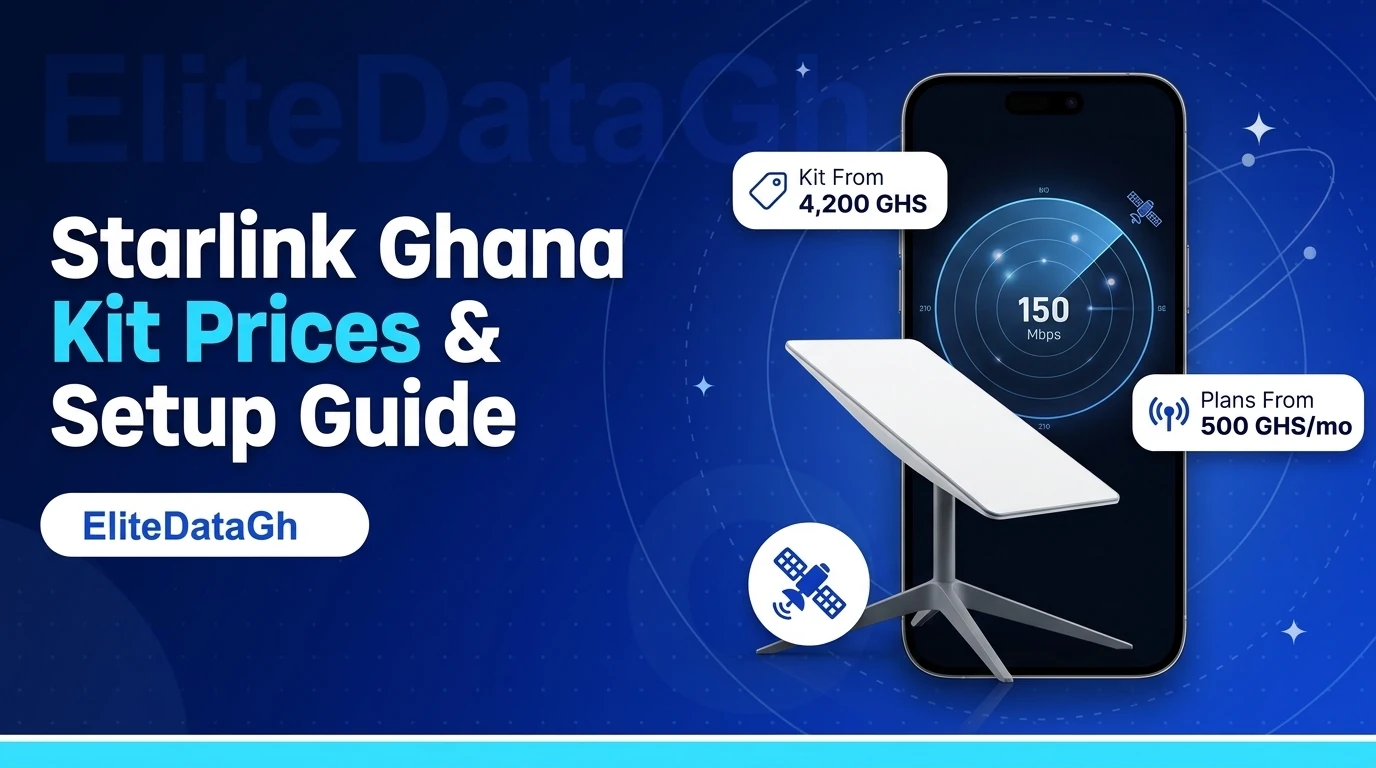
Table of Contents
- Starlink Ghana Hardware Kit Options and Prices in GHS
- Complete 2026 Starlink Monthly Service Plans in Ghana (GHS)
- Real-World Starlink Speeds, Ping, and Backup Power Math in Ghana
- Accra Capacity Waitlists, Checkout Payments, and Shipping Rules
- Step-by-Step Starlink DIY Setup Guide in Ghana
- Frequently Asked Questions About Starlink in Ghana
Starlink operates legally across Ghana under National Communications Authority (NCA) authorization with official hardware kits ranging from 4,200 GHS to 5,390 GHS for the Standard Gen 3 dish and 2,100 GHS to 4,500 GHS for the portable Mini unit, depending on direct web orders or authorized Ghanaian stockists such as Electromart and IPMC. Monthly home service costs 500 GHS on Residential Lite or 770 GHS on Residential Unlimited, with zero installation fee from Starlink because every kit supports self-setup through the mobile app.
Direct purchases on the official Starlink portal support Ghanaian Mobile Money (MoMo) payments alongside card checkout and door-to-door DHL Express delivery. However, buyers in dense Greater Accra cells must verify address capacity before ordering, match their Starlink profile phone number to their Mobile Money wallet number, and complete a careful obstruction scan before mounting any dish.
Starlink Ghana Hardware Kit Options and Prices in GHS
Choosing between the Standard Gen 3 hardware and the Starlink Mini determines both upfront purchase cost and how reliably your internet stays online during grid power outages. Authorized distribution across Ghana runs through official direct orders on starlink.com and accredited partners including Electromart, IPMC, TD Africa, and Jumia, while informal open-market resellers often charge up to 7,000 GHS for immediate local pickup due to private import markups.
| Hardware Kit | Ghana Price Range (GHS) | Router Design | Average Power Draw | Best Fit in Ghana |
|---|---|---|---|---|
| Starlink Standard Kit (Gen 3 / V4) | 4,200 GHS to 5,390 GHS (official/retail; higher with unofficial markups) | Separate standalone Gen 3 Wi-Fi router | 45W to 75W average (100W+ boot peaks) | Permanent homes, apartments, clinics, offices, and heavy multi-user streaming |
| Starlink Mini Kit | 2,100 GHS to 4,500 GHS (varies by stock batch and channel) | Built-in Wi-Fi 5 router inside dish (up to 128 devices, 1 LAN port) | 25W to 40W average (12V to 48V DC or 100W USB-C PD) | Solar/inverter backups, mobile consultants, rural fieldwork, and backup failover |
Note that Starlink charges 0.00 GHS for installation. Every kit arrives configured for plug-and-play home assembly. If your compound or roof requires custom pole fabrication, masonry drilling, or concealed Ethernet cabling through concrete walls, independent third-party installers across Accra, Kumasi, and Takoradi quote labor separately.
Complete 2026 Starlink Monthly Service Plans in Ghana (GHS)
Starlink splits Ghanaian subscriptions across home broadband, travel mobility, and business priority bandwidth. Select the plan matching your daily device load rather than overspending automatically on enterprise tiers.
| Plan Name | Monthly Cost (GHS) | Data Policy | Core Network Behavior |
|---|---|---|---|
| Residential Lite | 500 GHS / month | Unlimited everyday residential traffic | Lower priority during peak congestion; suited for browsing, remote work, and light streaming |
| Residential Unlimited (Standard) | 770 GHS / month | Unlimited standard fixed-location data | Built for busy family homes, multiple laptops, Zoom calls, and 4K video streaming |
| Roam (Regional / Mobile Tiers) | Roughly 760 GHS to 1,540+ GHS / month | Limited GB bundles (such as 50GB tiers) up to unlimited regional tiers | Portable use away from home address; ideal for frequent travel across regions |
| Local Priority (50 GB) | 585 GHS / month | 50 GB priority business traffic | Backup failover line or micro-office usage |
| Local Priority (500 GB) | 1,485 GHS / month | 500 GB priority business traffic | Small business teams of roughly 2 to 4 regular staff members |
| Local Priority (1 TB) | 2,610 GHS / month | 1 TB priority business traffic | Growing offices supporting roughly 5 to 10 concurrent staff |
| Local Priority (2 TB) | 4,860 GHS / month | 2 TB priority business traffic | Mid-sized enterprises running 10 to 20 workstations |
Real-World Starlink Speeds, Ping, and Backup Power Math in Ghana
Satellite broadband behaves differently from Ghanaian fiber and 4G LTE towers. Knowing exact real-world metrics prevents unpleasant surprises after unboxing:
- Download and Upload Throughput: Active Ghanaian terminals commonly deliver 50 Mbps to 250+ Mbps download (with typical medians comfortably exceeding 75 Mbps to 100 Mbps) and 15 Mbps to 35 Mbps upload. Peak evening demand between roughly 7:00 PM and 10:00 PM can tighten speeds modestly inside crowded urban zones, yet multi-device video calls and HD streaming stay smooth.
- Latency and Ping: Real-world land latency averages 40 ms to 60 ms, beating legacy geostationary satellite links (which exceed 500 ms) by a wide margin. While dedicated local fiber delivers tighter ping for competitive esports, Starlink handles WhatsApp voice, Microsoft Teams, Zoom meetings, VoIP business phones, and cloud software cleanly.
- Backup Power Consumption During Outages: A standard Gen 3 dish and router pull roughly 50W to 60W continuously (
45W to 75Wnormal band, briefly surging past100Won startup). A Starlink Mini consumes only 25W to 40W and runs off a100W(20V / 5A) USB-C Power Delivery power bank or12V to 48VDC battery bank with the right cable accessory. On a 500Wh or 1,000Wh portable power station or home inverter, a Mini stays online noticeably longer than a full-size Gen 3 router setup.
Accra Capacity Waitlists, Checkout Payments, and Shipping Rules
Before pulling out your wallet, address three Ghana-specific logistics traps that routinely delay new setups.
1. Check Residential Capacity Before Buying Hardware
High residential demand across parts of central Greater Accra periodically fills local satellite beam cells, triggering a waitlist or one-time demand surcharge when entering certain urban addresses on starlink.com. If your neighborhood cell shows waitlisted, buying a discounted used dish from a classifieds ad will not grant immediate Residential service at that location unless capacity opens or you activate a higher-cost Roam tier.
2. Mobile Money vs Ghanaian Bank Card Checkout
Starlink supports Mobile Money (MoMo) directly in Ghana alongside Visa and Mastercard payments, though local debit cards frequently hit foreign-currency gateway declines imposed by issuing banks. When choosing Mobile Money at checkout, keep two strict billing rules in mind:
- Wallet Number Matching: The phone number saved on your Starlink profile must match your registered Mobile Money wallet number so checkout OTP prompts reach the right handset.
- Manual Monthly Due-Date Renewals: Unlike recurring Visa auto-charges, Starlink Ghana Mobile Money accounts require you to sign into your customer portal manually on your Payment Due Date each month to confirm the OTP deduction. Skipping that monthly prompt suspends your connection until paid. If you settle hardware kits or monthly subscriptions via MoMo, you can check exact wallet fee behavior inside our Ghana Mobile Money Charges Calculator.
3. Door-to-Door DHL Express Import Clearance
Direct orders placed on the Starlink website ship into Ghana via DHL Express. Watch your email inbox closely once dispatch begins: DHL agents frequently call or message customers for digital GhanaPostGPS address coordinates or identification details needed to complete customs clearance without sitting in a warehouse queue.
4. Zero-Tolerance Guard Against Grey-Market Dish Scams
Never send advance Mobile Money deposits to unverified social media sellers offering cheap unlocked accounts or half-price lifetime subscriptions. Subscription tiers bill exclusively inside official Starlink accounts. If you ever buy pre-owned hardware in person, compel the seller to execute an official Transfer of Service inside their active portal before transferring funds, and confirm the hardware serial number unlocks cleanly on a brand-new registration in your own name.
Step-by-Step Starlink DIY Setup Guide in Ghana
Once your hardware box arrives, full activation normally takes under 20 minutes from unboxing to live internet.
Step 1: Run the App Obstruction Scan Before Mounting
Download the official Starlink App from Google Play or the Apple App Store before plugging in cables. Walk up to your roof slab, balcony edge, or elevated compound wall and open Check for Obstructions. Point your camera skyward across the entire dome until the tool maps surrounding mango trees, water tank towers, concrete parapet walls, and neighboring roofs. Satellite handoffs happen continuously overhead; even minor tree canopy edges cause recurring 5-second video call freezes.
Step 2: Assemble, Seal, and Route Cables Securely
Set the dish on its kickstand tripod on a clear flat surface, or fasten it to a heavy-duty J-pole pipe mount raised above nearby roof lines. Push the weather-sealed Starlink cable firmly into the dish port until it seats completely flush without exposing rubber gaskets to tropical rainstorms, then run the indoor end to your power supply and router before plugging into stable surge-protected power.
Step 3: Align the Dish and Lock Your Custom Wi-Fi
Power on the terminal and wait several minutes for initial satellite locking and orientation checks. Motorized actuated dishes tilt automatically; Gen 3 kickstand and Mini dishes use the built-in alignment guide inside the Starlink App so you rotate the base manually until aligned with the target sky vector. Connect your phone to the open default STARLINK Wi-Fi SSID, open the app to set a private WPA2/WPA3 Wi-Fi name and strong passphrase, and wait up to 15 minutes for automatic firmware updates to complete.
Should your dish ever drop offline during severe cloudbursts or await billing clearance, keep basic carrier emergency codes saved via the Ghana USSD Shortcodes Directory and inspect broader network guides across our Starlink Ghana Hub.
Frequently Asked Questions About Starlink in Ghana
How much does a complete Starlink setup cost in Ghana?
A brand-new Starlink Standard Kit purchased through official channels or authorized local partners such as Electromart and IPMC typically costs 4,200 GHS to 5,390 GHS (excluding optional courier shipping, third-party roof poles, or local technician cabling), while the Starlink Mini generally ranges between 2,100 GHS and 4,500 GHS. Paired with Residential Lite (500 GHS) or Residential Unlimited (770 GHS), most Ghanaian homes launch for roughly 4,700 GHS to 6,200 GHS total upfront.
Can I pay for Starlink monthly plans using Mobile Money in Ghana?
Yes. Starlink officially accepts Ghanaian Mobile Money at checkout and for monthly renewals. Ensure your Mobile Money SIM number matches the contact number stored in your Starlink account profile, and log into your Starlink dashboard on each monthly due date to authorize the verification OTP manually.
Does Starlink work well during heavy rain or power outages in Ghana?
Light rain causes minimal disruption, while intense tropical thunderstorms can trigger brief rain-fade drops lasting several minutes until storm clouds pass. During dumsor power cuts, a 25W to 40W Starlink Mini or 50W to 60W Gen 3 kit runs comfortably for hours on a portable lithium power station or clean home inverter setup.
Is Starlink allowed and licensed by the NCA in Ghana?
Yes. Starlink operates in Ghana under authorization from the National Communications Authority (NCA), selling locally priced GHS subscriptions directly online and partnering with approved local electronics distributors across the country.
Keep Reading

Telecel One Family Plan Explained: How to Share Voice and Data Across Numbers
Telecel One Family explained: dial *900# or use Telecel Play to share broadband data and voice across 1 to 4 paired numbers on 30-day household plans cleanly.

How to Share or Transfer Airtime on Telecel Ghana Using *516#
Dial *516# on Telecel Ghana to share airtime credit to 020 and 050 numbers. Learn the express code, GHS 0.05 fee, default 1234 PIN setup, and transfer rules.

MTN Pulse and Mashup Bundles (*567#): Complete USSD Guide and Validity Rules
Dial *567# for MTN Pulse Mashup bundles in Ghana. Explore Voice and Data mix rules, social bonuses, non-expiry validity, and *567*4# balance checks cleanly.

MTN Ghana Data Zone (*138#) Explained: Why Offers Disappear and How to Qualify
Learn why MTN Ghana Data Zone (*135# and *138#) and Just4U (*141#) offers change, how NCA SMP rules affect pricing, and how your SIM qualifies for better data.

How to Cancel Unwanted Subscriptions and Caller Tunes Draining MTN Airtime
Cancel unwanted MTN Ghana subscriptions draining your airtime: dial *175# for VAS promos, *1355# or SMS Unsubscribe to 1355 for Caller Tunez, and STOP to 138.

How to Check Your SSNIT Number, Statements, and Pay Contributions via USSD (*711*9#)
Dial *711*9# on MTN, Telecel, or AT to verify your SSNIT number, merge your Ghana Card, email contribution statements, and pay SEED MoMo contributions.

Complete Guide to Ghana Emergency Shortcodes: Police (191), Fire (192), Ambulance (193), and 112
Dial 112 toll-free in Ghana for unified Police (191), Fire (192), and Ambulance (193) dispatch, plus verified NADMO, DOVVSU, ECG, and 292 cyber hotlines.