
AT Ghana Big Time Data Bundles Explained: Rollover Rules and USSD Codes

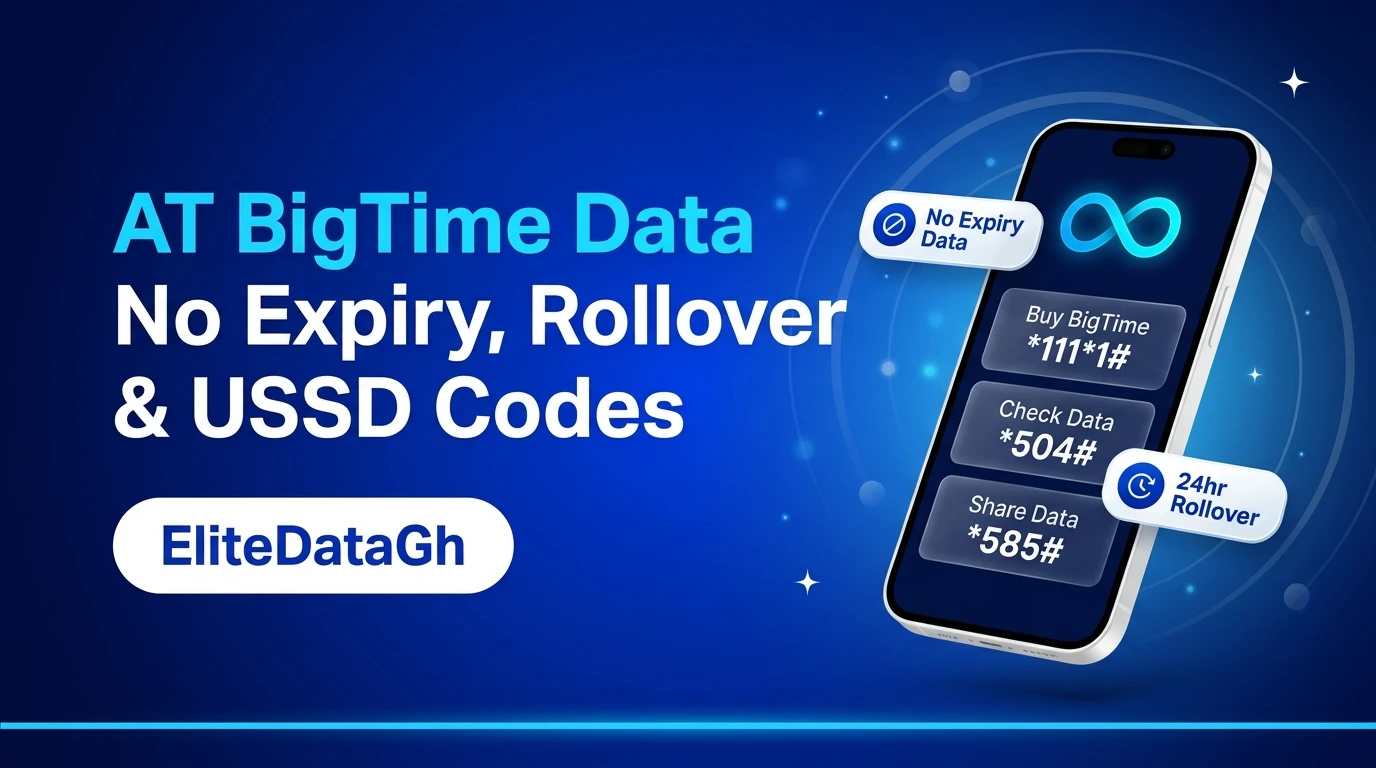
Table of Contents
AT Ghana BigTime Data bundles (*111*1#) have no expiry date, meaning every megabyte stays on your SIM indefinitely until used, while Sika Kokoo timed bundles (*111*4#) carry 1-to-15-day validity periods with a strict 24-hour rollover window after expiration. When you hold both bundles at once, AT automatically consumes your expiring Sika Kokoo balance first and protects your non-expiring BigTime allocation in reserve.
Understanding how AT splits non-expiry BigTime data, timed Sika Kokoo rollover grace windows, XXL Family sharing rules, and consumption order stops silent bundle losses and helps you keep backup gigabytes safe for months.
Essential AT Ghana Bundle USSD Codes
| Bundle or Task | Primary USSD Code | Alternate Code | Key Rule or Outcome |
|---|---|---|---|
| Main AT Data Portal | *111# | AT Mobile App | Opens BigTime, Sika Kokoo, XXL Family, and Night offers |
| Buy BigTime Non-Expiry | *111*1# | *111# Option 1 | Non-expiring data; same volume via airtime or AT Money |
| Buy Sika Kokoo, XXL & Night | *111*4# | *111# Option 4 | Access 1-to-15-day Sika Kokoo, Family XXL, Night, and Sunday |
| Check Active Data Balance | *504# | *125*1# | Sends SMS breakdown of BigTime, Sika Kokoo, and bonus GB |
| Check MiFi / Account Manager | *100# | AT Mobile App | Check router data or reserve number (Option 8) |
| Share BigTime Data Bundle | *585# | *111*1# Option 13 | Share BigTime MB or GB with up to 3 AT numbers per month |
| Load Data Voucher Card | *126*PIN# | None | Converts physical AT data scratch card directly into bundle |
| Pay With AT Money Wallet | *110# | Select inside *111# | Purchase BigTime or Sika Kokoo straight from AT Money |
Browse verified shortcodes across every Ghanaian carrier in the free Ghana USSD Shortcodes Directory.
How AT BigTime Non-Expiry Rules Work
Unlike standard daily or monthly bundles on rival networks that vanish at midnight once validity ends, AT BigTime Data acts like a permanent data wallet attached to your active AT SIM card:
- Zero expiry deadline: Unused BigTime megabytes remain active whether you finish them in two days, two months, or longer.
- Automatic accumulation on top-up: Buying a fresh BigTime package while an older balance sits on your SIM adds the new volume straight to your non-expiry total without wiping older gigabytes.
- Airtime vs AT Money parity: Paying through main prepaid airtime (
*124#) or directly from your AT Money (*110#) wallet delivers the exact same data volume for a given BigTime tier.
The Hidden SIM-Inactivity Caveat Nobody Tells You
While BigTime bytes do not expire on an active prepaid line, keeping a secondary SIM card completely untouched without calls, SMS, recharges, or data activity for months risks carrier SIM deactivation and number recycling. Always keep at least light monthly activity on backup SIMs or use *100# (Option 8) to reserve your AT number when traveling abroad so non-expiry balances stay protected.
BigTime vs Sika Kokoo Rollover Rules Explained
Many AT subscribers see data vanish after a weekend and assume BigTime started expiring. In almost every case, they accidentally activated Sika Kokoo or a promotional timed package rather than BigTime.
How Sika Kokoo 24-Hour Rollover Works (*111*4#)
Sika Kokoo bundles deliver bigger gigabyte totals per cedi in exchange for fixed validity limits (1 day up to 15 days, depending on the chosen tier). Instead of permanently forfeiting leftovers at exact expiry seconds, AT provides a strict 24-hour rollover grace period:
- Within 24 hours after expiry: If you purchase a new Sika Kokoo bundle within 24 hours of your previous bundle expiring, every leftover megabyte rolls over automatically and combines with the newly activated Sika Kokoo allowance.
- After 24 hours: Once 24 hours pass without a Sika Kokoo renewal, remaining unspent bytes from that expired package are permanently cleared to zero.
Priority Consumption Rule: Which Bundle Burns First?
If you keep both a timed bundle (like Sika Kokoo or a Night bundle between 12:00 AM and morning) alongside a BigTime Non-Expiry balance, AT prioritizes draining the earliest-expiring bundle first:
- During active Sika Kokoo validity, web browsing pulls from Sika Kokoo before touching your BigTime balance.
- During valid Night bundle hours, overnight downloads consume the Night allocation first.
- Once timed pools finish or expire, your handset switches seamlessly back to your preserved BigTime Non-Expiry reserve.
This priority logic lets heavy users combine a short-term Sika Kokoo plan for heavy workdays with a permanent BigTime backup safety net so WhatsApp and maps never go offline mid-week.
How to Share AT BigTime Data and Use XXL Family Packs
AT supports two structured ways to split data across multiple AT numbers cleanly:
1. Sharing BigTime Data (*585#)
- Ensure you hold an active BigTime balance and dial
*585#(or navigate via*111*1#and pick Option 13). - Enter the recipient AT Ghana phone number and specify the megabytes or gigabytes to transfer.
- Confirm the transfer prompt. Under AT sharing rules, you can share BigTime balances with up to 3 AT subscribers per month.
(Never click forwarded WhatsApp messages promising free AT data via shortcut links; scammers pre-fill *585# with their own recipient number to steal your BigTime allocation.)
2. XXL Family Packs (*111# Option 4)
For families or small offices managing multiple phones or tablets, AT XXL Family Packs let one primary SIM pool a large single data allocation across up to 3 additional AT numbers without buying individual bundles on four separate phones.
Checking Exact Remaining Data Without Confusion
Because your SIM may carry BigTime Non-Expiry, Sika Kokoo, Night, and bonus wallets simultaneously, always dial *504# (or check inside the AT Mobile App) rather than dialing *124#.
*504#triggers an SMS breakdown splitting BigTime, Sika Kokoo, and promo balances individually so you see which pool has a 24-hour rollover clock ticking.*124#only reports your main GHS airtime credit and bonus voice talk time.- For MiFi and 4G router SIMs, open your modem web admin SMS inbox after sending
*100#or check live counters inside the AT Mobile App on your phone. - You can plan how long 1 GB to 10 GB of BigTime data will stretch across TikTok, YouTube, and Zoom using the free Data Usage Calculator.
Frequently Asked Questions
Do AT Ghana BigTime data bundles expire?
No. Standard AT BigTime Data (*111*1#) bundles have no expiry date and stay available on your active SIM indefinitely until used up. Only timed packages such as Sika Kokoo, Night, and Sunday bundles carry fixed expiry clocks.
How does data rollover work on AT Ghana?
Timed Sika Kokoo bundles include a 24-hour rollover grace period after expiry. Purchasing another Sika Kokoo bundle within 24 hours combines unused expired bytes with your new package; BigTime does not need rollover because it never expires in the first place.
How do I buy and check AT BigTime Data using USSD codes?
Dial *111*1# (or *111# then select Option 1) to purchase BigTime packages using airtime or AT Money. Dial *504# to receive an itemized SMS showing your active BigTime and timed bundle balances.
Can I share AT BigTime data with a Telecel or MTN number?
No. Data sharing via *585# (*111*1# Option 13) and XXL Family Packs only work between active AT Ghana phone numbers. If you are unsure whether a contact 026, 056, 027, or 057 number ported away under Mobile Number Portability, verify it first using our free Ghana Network Checker.
For AT SIM registration checks, SOS borrow codes, and balance troubleshooting, explore the AT Ghana Telecom Hub.
Keep Reading
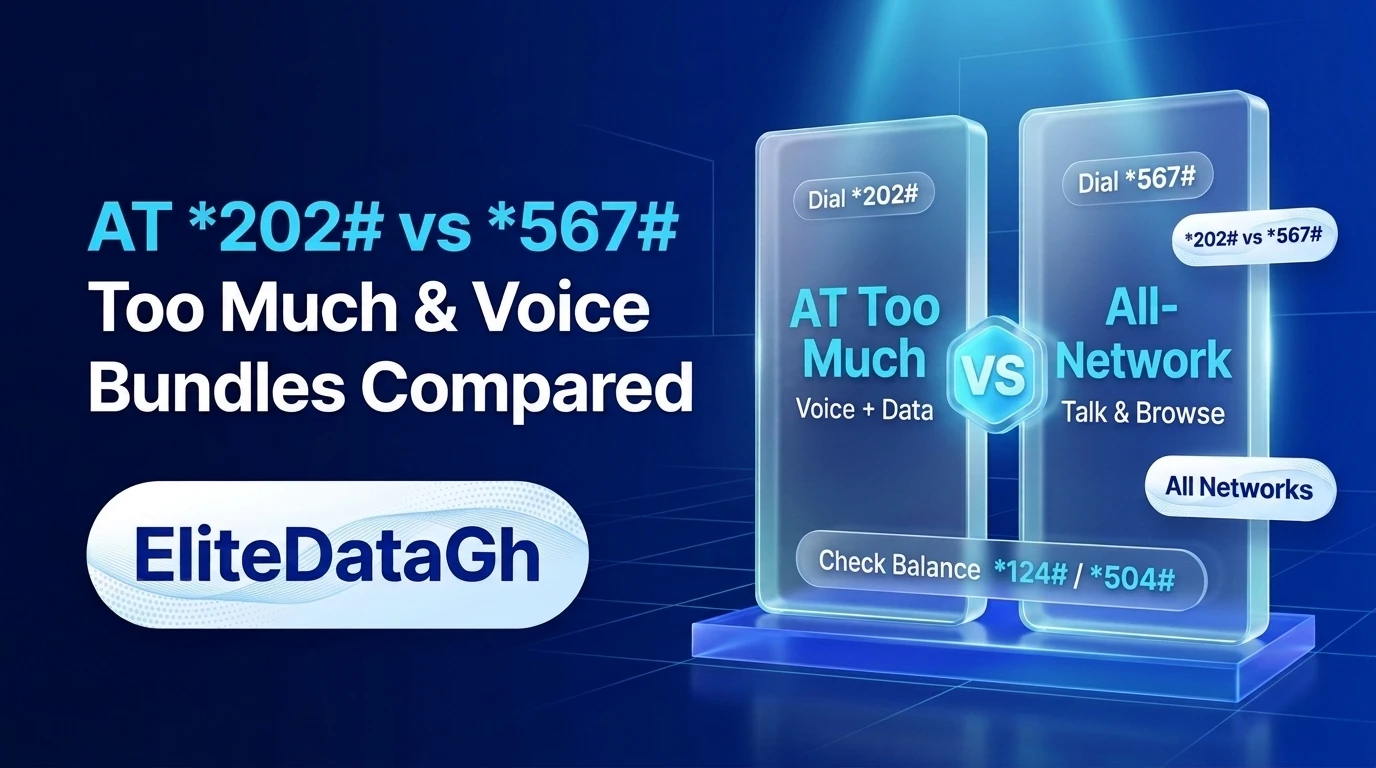
AT Too Much and All-Network Voice Bundles (*202# and *567#): Full Comparison
Compare AT Ghana *202# Too Much timed voice packs with *567# AT Fuse non-expiry all-network bundles. See expiry rules, balance codes, and best options.
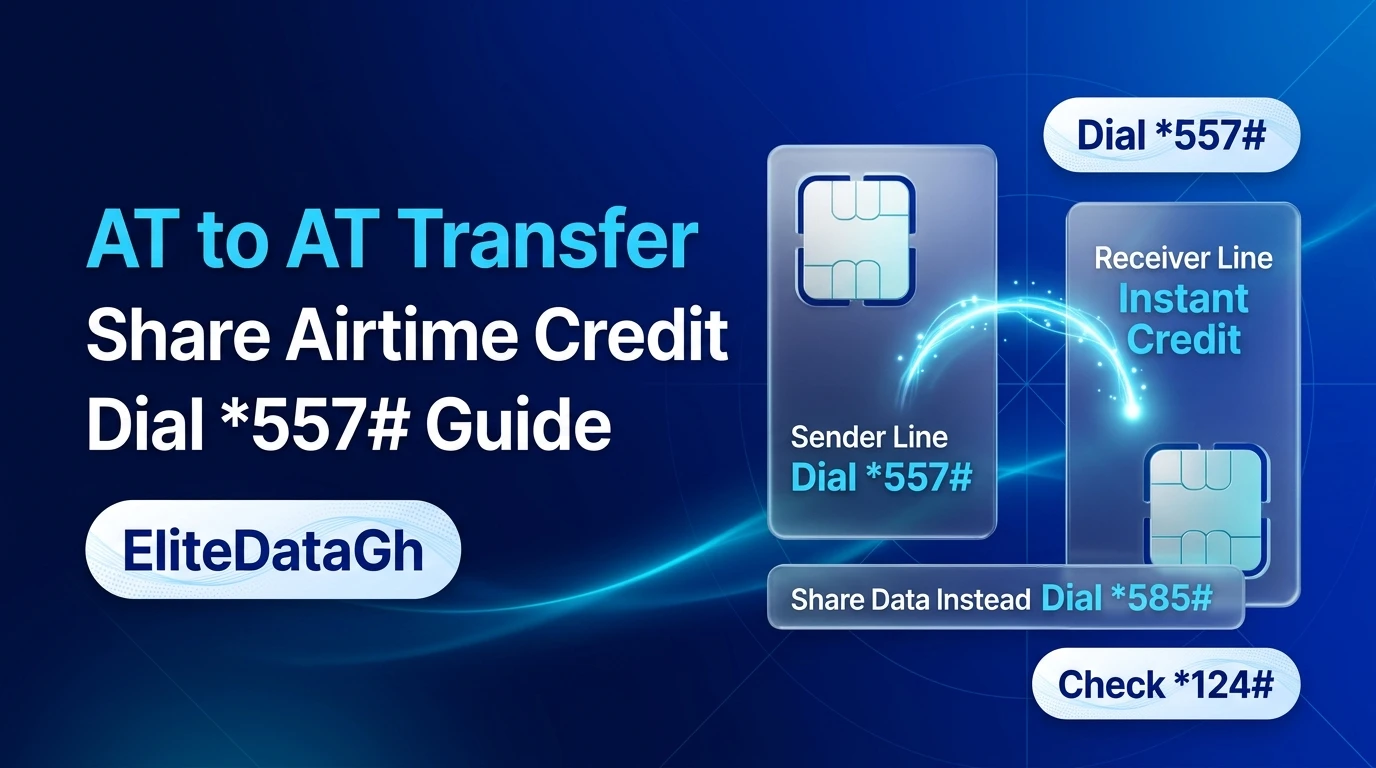
How to Transfer Airtime Credit from AT to AT in Ghana (*557#)
Learn how to transfer prepaid airtime credit from AT to AT in Ghana using *557#, *100#, or the AT App, manage your transfer PIN, and avoid 4G data drain.

Telecel One Family Plan Explained: How to Share Voice and Data Across Numbers
Telecel One Family explained: dial *900# or use Telecel Play to share broadband data and voice across 1 to 4 paired numbers on 30-day household plans cleanly.

How to Share or Transfer Airtime on Telecel Ghana Using *516#
Dial *516# on Telecel Ghana to share airtime credit to 020 and 050 numbers. Learn the express code, GHS 0.05 fee, default 1234 PIN setup, and transfer rules.

MTN Pulse and Mashup Bundles (*567#): Complete USSD Guide and Validity Rules
Dial *567# for MTN Pulse Mashup bundles in Ghana. Explore Voice and Data mix rules, social bonuses, non-expiry validity, and *567*4# balance checks cleanly.

MTN Ghana Data Zone (*138#) Explained: Why Offers Disappear and How to Qualify
Learn why MTN Ghana Data Zone (*135# and *138#) and Just4U (*141#) offers change, how NCA SMP rules affect pricing, and how your SIM qualifies for better data.

How to Cancel Unwanted Subscriptions and Caller Tunes Draining MTN Airtime
Cancel unwanted MTN Ghana subscriptions draining your airtime: dial *175# for VAS promos, *1355# or SMS Unsubscribe to 1355 for Caller Tunez, and STOP to 138.