
How to Fix Slow 4G Mobile Internet Speeds on Your Phone in Ghana (APN and Band Checks)

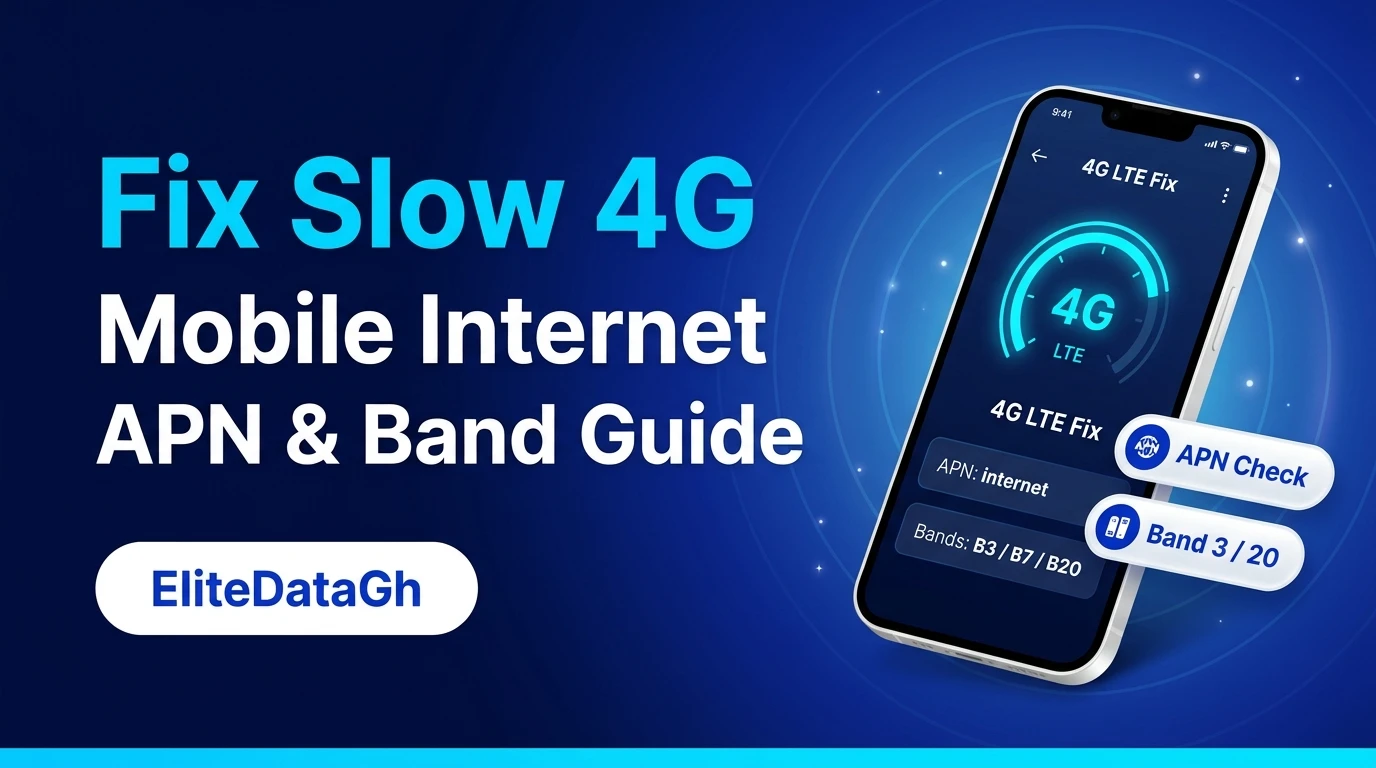
Table of Contents
- Where Is Your 4G Slowdown Coming From?
- Step 1: Verify and Reset APN Settings for MTN, Telecel, and AT Ghana
- Step 2: Check Ghana LTE Frequency Bands (Why Imported Phones Drop to 3G)
- Step 3: Check SIM Hardware, Dual-SIM Slot Order, and OS Throttling
- Step 4: Separate Phone Faults From Local Mast Congestion
- Frequently Asked Questions
To fix slow 4G mobile internet speeds in Ghana, reset your phone Access Point Name (APN) to internet with blank proxy fields, confirm your device supports Ghana LTE frequency bands (Band 20 at 800 MHz, Band 3 at 1800 MHz, and Band 7 at 2600 MHz), move your primary data SIM into SIM Slot 1, and disable background VPNs or system data-saver caps. On MTN, dial *585# (or *540# on AT Ghana) to pull fresh carrier internet settings and check whether your SIM card is truly 4G-provisioned.
Most slow-internet complaints in Ghana are blamed purely on the telecom provider even when the real bottleneck sits inside an imported phone missing Band 20, an old pre-4G SIM card, a stale WAP proxy APN left over from older configurations, or evening single-band mast congestion. Running structured APN and LTE band checks takes under ten minutes and pinpoints immediately whether the fix is on your handset or at the cell tower.
Where Is Your 4G Slowdown Coming From?
Before changing random phone settings, measure baseline throughput once with the free Internet Speed Test so you can see whether each fix actually raises Download Mbps, Upload Mbps, or cuts ping jitter.
| Symptom on Your Phone | Most Likely Technical Cause | Fastest Verified Fix |
|---|---|---|
| Full signal bars yet pages time out | Corrupt APN, active proxy port, or stalled DNS | Reset APN to default internet, clear proxy and port |
Stuck on H+ or 3G inside bedrooms | Phone missing Band 20 (800 MHz) or SIM not 4G-ready | Check LTE specs, test *585# (MTN), place SIM in Slot 1 |
| Fast at 11:00 AM, crawls at 8:30 PM | Evening cell-sector congestion on primary band | Test second carrier SIM indoors or lock cleaner LTE band |
| Fast web browsing, buffering WhatsApp or Zoom | High upload latency, background cloud backup, or active VPN | Pause iCloud/Google Photos sync and turn off foreign VPNs |
| Data works only right after Airplane Mode | Phone clinging to weak edge sector after commuting | Toggle Airplane Mode 10 seconds or force LTE registration check |
Step 1: Verify and Reset APN Settings for MTN, Telecel, and AT Ghana
An Access Point Name (APN) tells your handset how to route packet data onto your carrier core network. When a phone updates iOS or Android, restores an old cloud backup, or picks up legacy APN profiles (such as outdated WAP entries, stale MMS proxies, or legacy web.tigo.com.gh configurations), throughput collapses or data hangs completely even on full 4G bars.
Official Ghana APN Reference Table
| Network Operator | Automatic Setup Code | Profile Name | APN Value | MCC / MNC | Username & Password |
|---|---|---|---|---|---|
| MTN Ghana | Dial *585# | MTN (or MTN Ghana) | internet | 620 / 01 | Leave both blank |
| Telecel Ghana | Dial 100 for settings | Telecel Internet | internet | 620 / 02 | Leave both blank |
| AT Ghana | Dial *540# | AT Internet | internet | 620 / 03 | Leave both blank |
How to Apply Clean APN Settings on Android
- Open Settings, tap Connections (or Network & Internet), tap Mobile Networks, and select Access Point Names.
- Tap the three-dot menu in the upper corner and choose Reset to default first so hidden legacy proxies vanish.
- Verify the active profile shows
internetinside the APN field, or tap Add (+) to build a clean profile matching the table above (APN Type: default,supl, Proxy: Not set, Port: Not set, Username and Password empty). - Set APN protocol to IPv4/IPv6 (if DNS lookups hang on older routers or certain apps, test IPv4 only and run the Internet Speed Test again).
- Save the profile, tap its radio button to select it, and toggle Airplane Mode on for 10 seconds then back off.
How to Check APN Settings on iPhone (iOS)
- Open Settings, go to Mobile Service (or Cellular), tap your active line, and open Mobile Data Network.
- Confirm Mobile Data APN reads
internet, with Username and Password completely empty. - If your iPhone hides manual APN editing because an official carrier bundle manages it automatically, go to Settings, tap General, open About, and wait 15 seconds for any pending Carrier Settings Update popup, or scroll to Transfer or Reset iPhone, tap Reset, and choose Reset Network Settings (this clears saved Wi-Fi passwords, so keep Wi-Fi credentials handy).
Step 2: Check Ghana LTE Frequency Bands (Why Imported Phones Drop to 3G)
Many subscribers buy second-hand flagship phones imported from North America (former AT&T, Verizon, or Sprint iPhones, Samsung Galaxies, or Google Pixels) and wonder why a cheaper local handset pulls 30 Mbps on 4G right beside them while their flagship drops to H+ or 3G indoors.
Ghana telecom masts do not use US LTE spectrum. Every major Ghanaian mobile network broadcasts across specific ITU LTE frequency layers:
| Ghana LTE Band | Frequency | Carriers Using This Band | Real-World Role Inside Ghana |
|---|---|---|---|
| Band 20 | 800 MHz | MTN Ghana, Telecel Ghana | Deep indoor building penetration and rural wide-area reach |
| Band 3 | 1800 MHz | Telecel Ghana, AT Ghana, MTN Ghana | Core city 4G coverage and refarmed metro capacity |
| Band 7 | 2600 MHz | MTN Ghana, selective Telecel urban hubs | High-speed urban data bursts in busy Accra and Kumasi corridors |
| Band 1 | 2100 MHz | Multiple operators (refarmed capacity) | Additional 3G/4G spectrum support and carrier aggregation |
How to Inspect Your Live LTE Band and Signal Strength
- On iPhone (Field Test Mode): Open the Phone app, dial
*3001#12345#*, and press call. Check your serving cell metrics for Band Info (freq_band_ind) and RSRP signal power. If you repeatedly sit on 3G UMTS/WCDMA or cling weakly to Band 3/Band 7 with RSRP worse than-112 dBm, your phone is missing Band 20 support or indoor 800 MHz reception is blocked by heavy walls. - On Android: Open your dialer and enter
*#*#4636#*#*, then tap Phone Information (available on most stock Android, Pixel, Motorola, and Xiaomi devices; some carrier firmware locks this menu). Verify Data Network Type readsLTErather thanHSPAPorUMTS, and inspect active Preferred Network Type (ensure5G/LTE/WCDMA/GSMorLTE/WCDMA/GSMis selected, neverWCDMA onlyor2G/3G only).
Critical warning about forcing LTE Only: Inside the Android *#*#4636#*#* menu, setting Preferred Network Type to LTE Only prevents your phone from dropping onto slower 3G during temporary downloads or MiFi tethering. However, if your carrier profile or phone lacks active VoLTE (Voice over LTE) support, LTE Only blocks regular incoming and outgoing GSM phone calls until you switch Preferred Network Type back to LTE/WCDMA/GSM or 5G/LTE/WCDMA/GSM.
Understanding Real Signal Bars (RSRP in dBm)
Four visual signal bars on your screen mask weak signal quality:
-65 dBmto-85 dBm: Strong proximity to the cell sector; ideal for multi-carrier aggregation and high-speed downloads.-90 dBmto-105 dBm: Moderate indoor reception; web pages and social feeds work smoothly if sector congestion is low.-110 dBmto-120 dBm: Cell-edge threshold; upload speeds collapse first, video calls freeze, and batteries drain rapidly as your modem amplifies transmit power. Moving two meters toward a concrete window often improvesRSRPby8 dBmto12 dBm, immediately doubling real upload speed.
Step 3: Check SIM Hardware, Dual-SIM Slot Order, and OS Throttling
Even with clean APNs and full Band 3/7/20 compatibility, four overlooked device settings quietly throttle 4G throughput:
- Old Non-4G SIM Cards: Physical SIMs issued several years ago often lack 4G USIM provisioning, capping your device permanently at 3G regardless of network coverage. Dial
*585#on MTN to verify SIM and device 4G status, or swap to a modern 4G SIM (or supported eSIM, such as checking Telecel eSIM status via*700*6#) at an official carrier experience center. - Primary Data SIM Sitting in Slot 2: On budget and mid-range dual-SIM Android phones, SIM Slot 1 commonly gets stronger antenna priority and full LTE carrier-aggregation support while Slot 2 falls back when Slot 1 handles standby traffic. Always place your active data SIM in SIM Slot 1 and keep Dual 4G / VoLTE enabled where supported.
- Forgotten VPNs and Custom DNS Routes: Free VPN apps, browser proxy extensions, and misconfigured Private DNS (
Settings > Network & Internet > Private DNS) frequently route Ghanaian mobile traffic through crowded European servers, tripling ping latency from 35 ms to over 190 ms and throttling streaming throughput. - OS Data Saver and Hidden Sync Queues: Verify Data Saver (Android) or Low Data Mode and iCloud Private Relay (iPhone) are switched off when measuring real speed, and pause automatic Google Photos, iCloud, or Windows laptop hotspot updates hogging all available upload bandwidth.
Step 4: Separate Phone Faults From Local Mast Congestion
If your APN shows internet, your phone confirms active LTE (Band 3, Band 7, or Band 20) inside SIM Slot 1, and VPNs are off, yet speeds still drop below 5 Mbps every night between 7:30 PM and 10:30 PM, your handset is healthy and your local tower sector is overcrowded.
Confirm whether congestion is network-wide at your address:
- Run a benchmark on your current carrier using the Internet Speed Test at 11:00 AM and again at 9:00 PM.
- Swap in a test SIM from a second Ghanaian carrier inside SIM Slot 1 and run the exact same 9:00 PM room test.
- If the alternate network holds lower jitter and 15+ Mbps during peak evening hours, check our verified Ghana USSD Shortcodes Directory and verify ported numbers with the Ghana Network Checker before shifting evening data usage onto a Dual-SIM setup.
Frequently Asked Questions
What is the correct APN setting for MTN, Telecel, and AT in Ghana?
All three Ghanaian mobile operators use internet inside the APN field, with blank Username and Password fields and zero proxy or port values. You can request automatic settings via *585# on MTN, *540# on AT Ghana, or 100 on Telecel Ghana.
Why does my phone show full bars on 4G but load very slowly?
Full bars measure basic signal strength from the nearest mast rather than free bandwidth capacity. Heavy evening congestion on a single tower sector, background VPN routing through distant foreign servers, or silent cloud/system backups saturating your upload pipe will stall loading even on full bars.
Which 4G LTE bands should a phone support to work properly in Ghana?
Look for unlocked international or global variants supporting Band 20 (800 MHz), Band 3 (1800 MHz), Band 7 (2600 MHz), and Band 1 (2100 MHz). US carrier-locked models lacking Band 20 frequently drop onto slow 3G inside Ghanaian concrete buildings.
Why did forcing LTE Only stop my phone calls from going through?
If your handset or SIM profile does not have active VoLTE (Voice over LTE) calling enabled, your phone must briefly drop from 4G down to 3G/2G whenever someone calls you. Locking LTE Only inside *#*#4636#*#* blocks that fallback, so switch back to LTE/WCDMA/GSM or 5G/LTE/WCDMA/GSM once your speed test finishes.
For more troubleshooting tips and carrier tools, visit our MTN Ghana, Telecel Ghana, and AT Ghana Telecom Hubs.
Keep Reading

Telecel One Family Plan Explained: How to Share Voice and Data Across Numbers
Telecel One Family explained: dial *900# or use Telecel Play to share broadband data and voice across 1 to 4 paired numbers on 30-day household plans cleanly.

How to Share or Transfer Airtime on Telecel Ghana Using *516#
Dial *516# on Telecel Ghana to share airtime credit to 020 and 050 numbers. Learn the express code, GHS 0.05 fee, default 1234 PIN setup, and transfer rules.

MTN Pulse and Mashup Bundles (*567#): Complete USSD Guide and Validity Rules
Dial *567# for MTN Pulse Mashup bundles in Ghana. Explore Voice and Data mix rules, social bonuses, non-expiry validity, and *567*4# balance checks cleanly.

MTN Ghana Data Zone (*138#) Explained: Why Offers Disappear and How to Qualify
Learn why MTN Ghana Data Zone (*135# and *138#) and Just4U (*141#) offers change, how NCA SMP rules affect pricing, and how your SIM qualifies for better data.

How to Cancel Unwanted Subscriptions and Caller Tunes Draining MTN Airtime
Cancel unwanted MTN Ghana subscriptions draining your airtime: dial *175# for VAS promos, *1355# or SMS Unsubscribe to 1355 for Caller Tunez, and STOP to 138.

How to Check Your SSNIT Number, Statements, and Pay Contributions via USSD (*711*9#)
Dial *711*9# on MTN, Telecel, or AT to verify your SSNIT number, merge your Ghana Card, email contribution statements, and pay SEED MoMo contributions.

Complete Guide to Ghana Emergency Shortcodes: Police (191), Fire (192), Ambulance (193), and 112
Dial 112 toll-free in Ghana for unified Police (191), Fire (192), and Ambulance (193) dispatch, plus verified NADMO, DOVVSU, ECG, and 292 cyber hotlines.