
How to Transfer Data from MTN to MTN

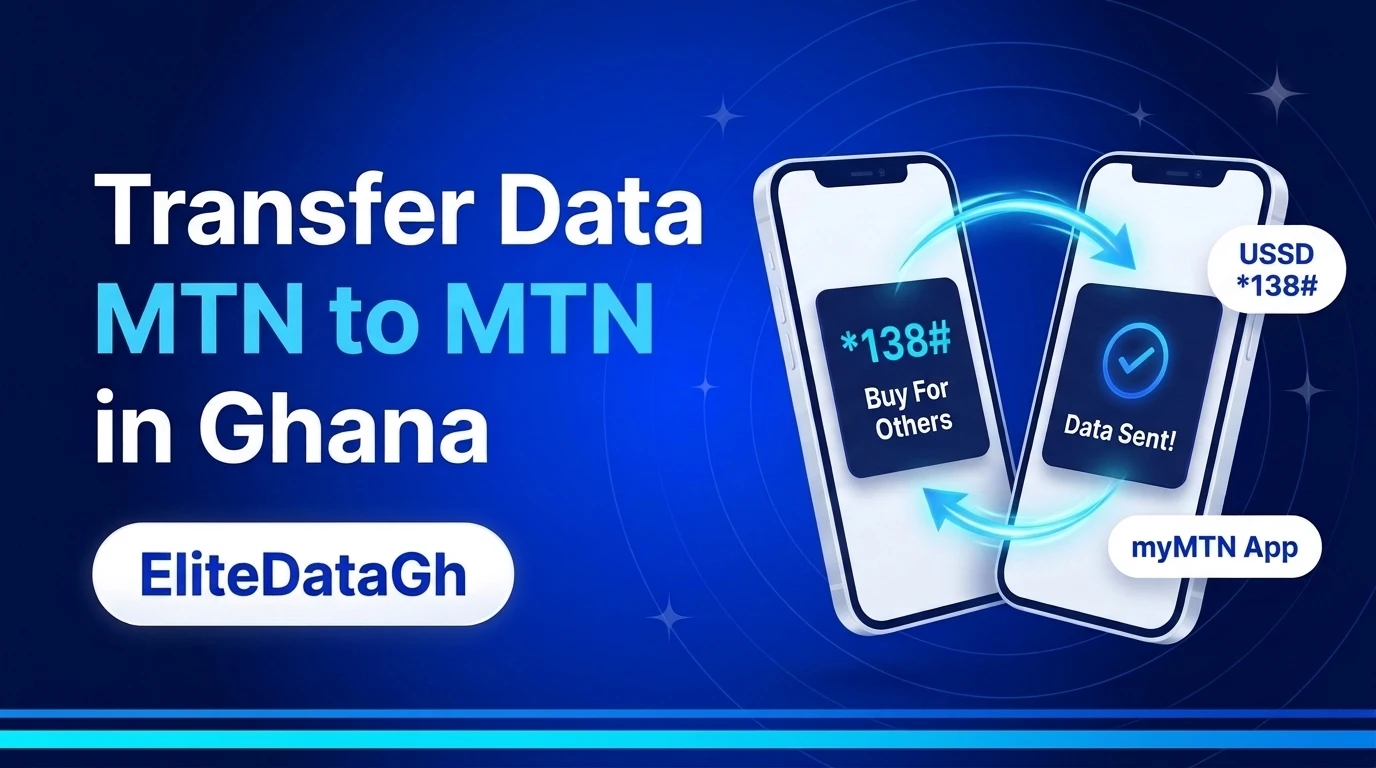
Table of Contents
- Ways to Send Data From MTN to MTN in Ghana
- Method 1: Send Data With `*138#` (Buy For Others)
- Method 2: Transfer Data Through the myMTN App
- Method 3: Send Data From MoMo Using `*170#`
- Can You Transfer Already-Purchased Data From Your Balance?
- Mistakes and Scams to Avoid Before Sending
- Frequently Asked Questions
On MTN Ghana, you cannot carve megabytes or gigabytes out of an already active personal data bundle and transfer them straight to another MTN SIM. Instead, MTN Ghana lets you send data from MTN to MTN through Buy For Others on *138#, through the myMTN App, or through MTN Mobile Money on *170# using your airtime credit or MoMo wallet.
Understanding this difference immediately prevents wasted USSD attempts using Nigerian MTN codes like *312# or *321#, shows you how to share spare airtime via *198# when needed, and stops accidental transfers to ported numbers.
Ways to Send Data From MTN to MTN in Ghana
Choose the option below that matches whether you are paying with fresh MoMo or airtime, already holding unused airtime, or sitting next to the recipient with an active bundle.
| Method | Code or App Path | Funding Source | Best Used When |
|---|---|---|---|
| MTN Data Gifting | *138# then Buy For Others | Main airtime or MoMo | Buying a fresh bundle directly for any MTN line |
| myMTN App Gifting | Buy/Send, then Data, then Others | MoMo or airtime | Choosing bundle tiers cleanly without USSD timeouts |
| MoMo Bundle Purchase | *170# then Buy Airtime & Bundles | MTN MoMo wallet | Sending data straight from your Mobile Money balance |
| MTN Me2U Transfer | *198# (Airtime Share) | Main prepaid airtime | Moving spare airtime so the recipient buys data |
| Mobile Wi-Fi Hotspot | Phone Settings | Already-active GB | Recipient is nearby and needs data from your SIM |
You can view every verified MTN shortcode alongside all networks inside the Ghana USSD Shortcodes Directory.
Method 1: Send Data With *138# (Buy For Others)
Dialing *138# is the fastest zero-data way to buy a fresh internet bundle directly for another MTN line in Ghana.
- Dial
*138#on your MTN SIM card. - Select Option 1 to proceed to buy a bundle.
- Choose Option 1 for Buy Data Bundle.
- Choose Option 2 for Buy For Others.
- Type the 10-digit recipient MTN phone number, then enter it again to confirm.
- Select your preferred data bundle amount and confirm Buy.
- Pick your payment option (Airtime or Mobile Money). If paying via MoMo, approve the prompt with your MoMo PIN.
Both your phone and the receiving phone receive SMS confirmation alerts once MTN activates the bundle.
Method 2: Transfer Data Through the myMTN App
If your USSD prompt times out before you finish entering the number, use the official myMTN App over Wi-Fi or mobile data:
- Open the myMTN App on Android or iOS and verify your MTN line.
- Tap Buy/Send on the dashboard.
- Select Data and pick the exact megabyte or gigabyte tier you want to send.
- Select Others instead of Self on the recipient screen.
- Enter the recipient's MTN number and pay using MoMo or Airtime.
Using myMTN gives you clearer visibility into validity periods (non-expiry standard data versus midnight or special promotional offers) before confirming payment.
Method 3: Send Data From MoMo Using *170#
If your funds sit inside Mobile Money rather than main airtime credit, you can send bundles directly from your MoMo menu:
- Dial
*170#on your MTN line. - Select Buy Airtime & Bundles (Option 3).
- Choose Data Bundles and pick the package tier.
- Choose to buy for another number, type the recipient MTN number carefully, and authorize the deduction with your MoMo PIN.
Can You Transfer Already-Purchased Data From Your Balance?
Many MTN Ghana subscribers look for a command that deducts 1 GB or 2 GB straight from their existing active data balance and drops it onto a SIM belonging to a friend. At present, MTN Ghana does not support peer-to-peer splitting of existing personal data balances.
If you see guides online telling you to dial *312*Number*Amount#, *131*2#, or *321#, skip them. Those transfer strings belong to MTN Nigeria and trigger invalid-code errors on MTN Ghana lines.
When megabytes already sit inside your MTN balance and you want someone else to browse from them, you have two practical workarounds:
- Share via Mobile Hotspot: Turn on Wi-Fi hotspot on the device holding the active data bundle. To protect your allowance, ask the connected user to disable automatic cloud backups, app store updates, and HD video autoplay.
- Send Spare Airtime With MTN Me2U (
*198#): If extra value sits in your*124#airtime wallet rather than inside an active data bundle, transfer airtime to the recipient line so they buy data directly through*138#.
How to Use MTN Me2U (*198#) When Transferring Airtime for Data
First-time users must set a 4-digit Me2U PIN before MTN permits peer-to-peer airtime transfers:
- Dial
*198#on your MTN SIM. - Select Option 1 (Activate).
- Enter your chosen 4-digit PIN and confirm it (avoid default combinations such as
0000).
Once activated, send airtime with these steps:
- Dial
*198#and choose Option 2 (Transfer). - Enter the recipient MTN phone number.
- Type the cedi amount (for example,
5for GHS 5), then enter the pesewa decimal value (0for whole cedis, or50for 50 pesewas). - Enter your 4-digit Me2U PIN and select 1 to confirm.
A small carrier transfer fee (typically around GHS 0.10) applies to Me2U transfers, and dynamic minimum and maximum account caps apply.
Mistakes and Scams to Avoid Before Sending
- Verify MNP-ported numbers first: Phone prefixes like
024,054,055,059, and025usually belong to MTN, while020and050usually belong to Telecel. However, Mobile Number Portability (MNP) lets subscribers switch networks while keeping old digits. Always confirm the active carrier with the free Ghana Network Checker before transferring credit or bundles. - Promo bonuses and XtraTime cannot be transferred: You cannot fund Buy For Others (
*138#) or Me2U (*198#) using promotional bonus balances or borrowed MTN XtraTime (*506#) advance credit. - Never trust forwarded USSD shortcuts: Fraudsters sometimes circulate disguised
*198#or*138#strings on WhatsApp claiming free data rewards while pre-filling their own phone number to steal your airtime. Type official shortcodes manually every time.
Frequently Asked Questions
Can I transfer part of my active MTN Ghana data balance to another MTN SIM?
No. MTN Ghana does not allow deducting gigabytes from an active bundle on your SIM and transferring them to another user. You must either purchase a fresh bundle for them using *138# (Buy For Others), myMTN, or *170#, or share via Mobile Hotspot.
Why do *312# and *321# fail when trying to transfer MTN data in Ghana?
Codes starting with *312# or *321# operate on MTN Nigeria rather than MTN Ghana. On MTN Ghana, dial *138# to gift data bundles to another number or *198# to transfer airtime credit.
Can I transfer MTN airtime to another MTN user so they can buy data?
Yes. Dial *198# (MTN Me2U), activate your 4-digit transfer PIN on first use, and send main airtime credit to the other MTN line for a small carrier fee. The recipient can then dial *138# to convert that airtime into a data bundle.
Does MTN Ghana charge extra when buying data for another MTN number on *138#?
When paying with airtime or MoMo via *138# (Buy For Others), you pay the standard bundle cost without an extra Me2U transfer fee. Standard carrier fees apply only if you transfer raw airtime credit via *198# first.
For more USSD walkthroughs, bundle rules, and network tools, visit the MTN Ghana Telecom Hub.
Keep Reading

Telecel One Family Plan Explained: How to Share Voice and Data Across Numbers
Telecel One Family explained: dial *900# or use Telecel Play to share broadband data and voice across 1 to 4 paired numbers on 30-day household plans cleanly.

How to Share or Transfer Airtime on Telecel Ghana Using *516#
Dial *516# on Telecel Ghana to share airtime credit to 020 and 050 numbers. Learn the express code, GHS 0.05 fee, default 1234 PIN setup, and transfer rules.

MTN Pulse and Mashup Bundles (*567#): Complete USSD Guide and Validity Rules
Dial *567# for MTN Pulse Mashup bundles in Ghana. Explore Voice and Data mix rules, social bonuses, non-expiry validity, and *567*4# balance checks cleanly.

MTN Ghana Data Zone (*138#) Explained: Why Offers Disappear and How to Qualify
Learn why MTN Ghana Data Zone (*135# and *138#) and Just4U (*141#) offers change, how NCA SMP rules affect pricing, and how your SIM qualifies for better data.

How to Cancel Unwanted Subscriptions and Caller Tunes Draining MTN Airtime
Cancel unwanted MTN Ghana subscriptions draining your airtime: dial *175# for VAS promos, *1355# or SMS Unsubscribe to 1355 for Caller Tunez, and STOP to 138.

How to Check Your SSNIT Number, Statements, and Pay Contributions via USSD (*711*9#)
Dial *711*9# on MTN, Telecel, or AT to verify your SSNIT number, merge your Ghana Card, email contribution statements, and pay SEED MoMo contributions.

Complete Guide to Ghana Emergency Shortcodes: Police (191), Fire (192), Ambulance (193), and 112
Dial 112 toll-free in Ghana for unified Police (191), Fire (192), and Ambulance (193) dispatch, plus verified NADMO, DOVVSU, ECG, and 292 cyber hotlines.