
What to Do Immediately If You Send Mobile Money to the Wrong Number in Ghana

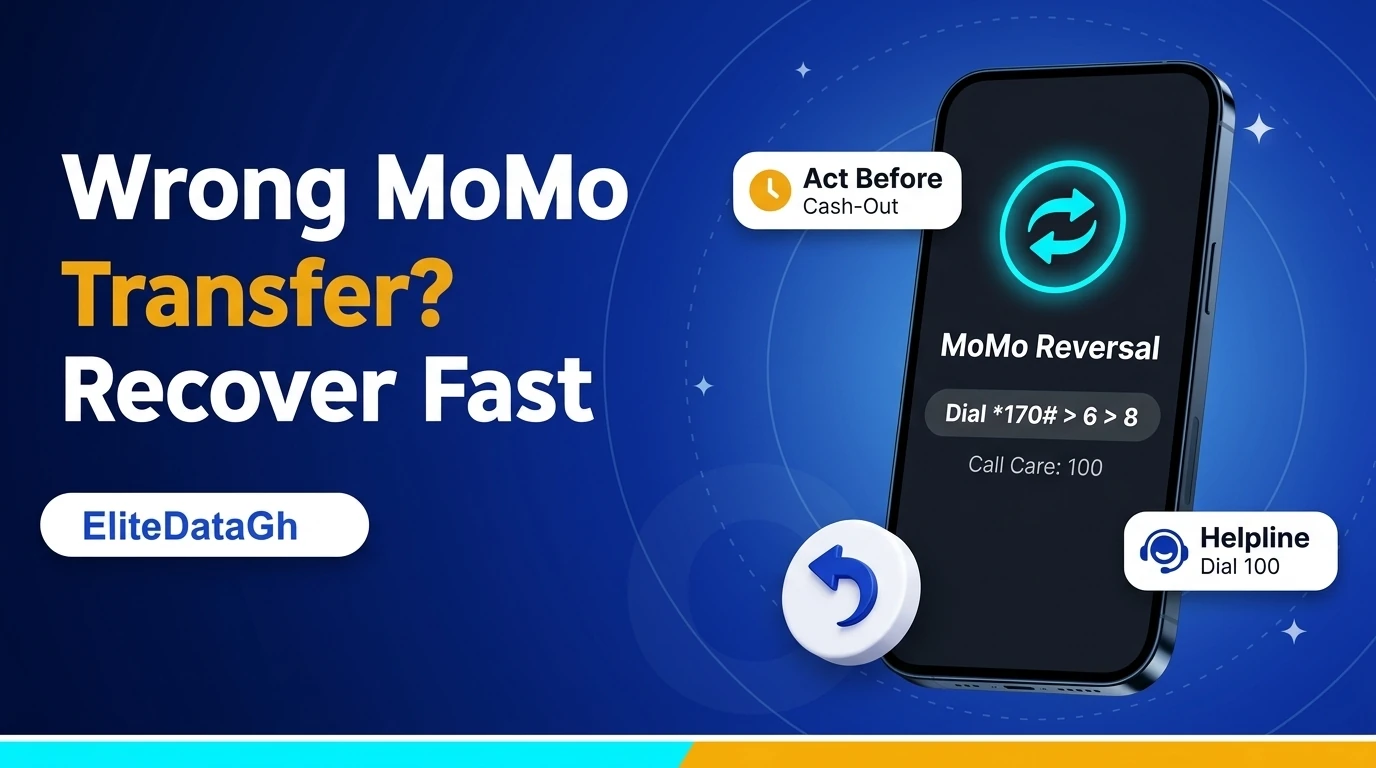
Table of Contents
- Your First 5 Minutes: Emergency Recovery Checklist
- Network-by-Network Reversal Procedures in Ghana
- Cross-Network Wrong Transfers (GhIPSS Interoperability Rules)
- Should You Call the Wrong Recipient? How to Handle It Safely
- What to Do If the Recipient Refuses Consent or Cashes Out
- Four Habits That Prevent Wrong-Number Transfers Permanently
- Frequently Asked Questions About Wrong Mobile Money Transfers in Ghana
The moment you send Mobile Money to the wrong number in Ghana, you enter a strict race against agent cash-out. Do not resend the transaction or delete the SMS receipt: copy the Transaction ID immediately, trigger a self-reversal on MTN MoMo (*170#, Option 6, then Option 8) or AT Money (*110# under Reversals), and dial 100 across MTN, Telecel, or AT to place an administrative hold on the receiving wallet before the holder withdraws physical cash.
Mobile network operators in Ghana can freeze or reverse mistaken transfers only while funds remain inside the destination wallet or when the recipient consents to a reversal prompt. Once an uncooperative recipient cashes out the balance at an agent kiosk or transfers the money onward, telco switches cannot pull spent cash back automatically, shifting recovery from customer care to formal Ghana Police CID escalation.
Your First 5 Minutes: Emergency Recovery Checklist
Seconds determine whether a mistaken transfer clears back into your wallet within hours or drags out across weeks of formal disputes. Execute these steps in strict sequence the instant you spot the wrong digit or incorrect recipient name:
- Confirm the Transaction Actually Settled: Never panic from a slow USSD timeout and blindly repeat the payment. Dial
*170#(Option6, Option5, then Option3on MTN) or check your balance and mini-statement in*110#(Telecel Cash and AT Money) to verify whether your balance truly dropped and capture the exact Transaction ID. - Lock in the Digital Paper Trail: Screenshot the confirmation SMS showing your wallet number, the mistaken destination number, the exact cedi amount, date, timestamp, and Transaction ID. Do not erase the alert thread.
- Trigger USSD Self-Reversal Before Calling Customer Care: On MTN MoMo and AT Money, launch the automated reversal workflow on your handset within the first 60 seconds so the switch logs an immediate reversal trace on the receiving account.
- Escalate to Customer Care (
100) to Request a Wallet Lien: Speak directly to an operator agent so risk operations can check whether the balance remains unspent and apply a protective hold pending investigation. - Confirm Which Carrier Controls the Mistaken Number: If you sent across networks without noticing a ported or secondary prefix, verify the receiving operator instantly using our Ghana Phone Number Network Checker.
Network-by-Network Reversal Procedures in Ghana
Each major Ghanaian mobile wallet handles mistaken peer transfers through slightly different USSD menus, escalation desks, and settlement windows. Follow the exact path for the wallet that originated your transfer.
1. MTN Mobile Money (*170#)
MTN Ghana maintains an automated self-reversal menu inside USSD and the MTN MoMo App for registered wallet errors:
- Dial
*170#on the SIM card that originated the transfer. - Select Option
6(My Wallet). - Select Option
8(Reversal), pick the mistaken transaction from the displayed list, and confirm. Subscribers using the official MTN MoMo App can similarly open Transactions and select Reverse. - The MTN core switch pushes a formal approval prompt to the recipient wallet. If the recipient approves, the credited balance returns to your account immediately.
If the recipient declines or ignores the prompt, call 100 immediately from an MTN line or email the full Transaction ID and SMS screenshot to customercare.gh@mtn.com. Straightforward cases are cleared in 24 to 72 hours, while contested or multi-party reviews can take up to 15 working days. Log your dispute promptly within 30 days of the mistaken transfer before archival limits complicate tracing.
2. Telecel Cash (*110#)
Telecel Cash mistaken transfers require immediate operator logging so risk staff can verify wallet balance status and place a temporary freeze before cash-out:
- Dial
100toll-free from a Telecel SIM, or call050 555 5111from any other Ghanaian network. - Provide your phone number, the exact Transaction ID, transaction date and time, amount sent, and the incorrect recipient number.
- For faster document submission, message Telecel official WhatsApp support on
050 100 0300or emailinfo@telecel.com.ghwith a screenshot of the confirmation alert. You may also walk into a physical Telecel Shop with your Ghana Card ID and SMS record.
Internal Telecel Cash reversal investigations typically resolve within 24 to 72 hours, though cross-network disputes take longer because two institutions must reconcile settlement logs.
3. AT Money (*110#)
AT Ghana (formerly AirtelTigo) supports direct USSD self-reversal logging for on-net AT Money errors:
- Dial
*110#from your AT SIM line (note that legacy shortcodes like*500#appear in older directories; verify current wallet codes in the Ghana USSD Shortcodes Directory). - Select My Account, choose Reversals, and select Reverse Transaction.
- Pick AT Money, select the mistaken payment under Last 5 Transactions (or choose Other Transactions and enter the exact Transaction ID from your SMS alert).
- Confirm the details and authorize submission with your AT Money PIN.
If self-service fails or the recipient refuses consent, dial 100 from an AT SIM, call 0277 551000 (+233 277 551000) from any network, email info@at.com.gh, or visit an official AT Experience Center with your Ghana Card. On-net AT reversals typically clear within 24 hours (excluding weekends and public holidays), while cross-network and agent disputes usually require 3 to 5 working days.
Summary Comparison of Ghana Mobile Money Reversal Channels
| Operator | Self-Reversal Path | Helpline | Official Email / WhatsApp | Typical Investigation Window |
|---|---|---|---|---|
| MTN MoMo | *170#, Option 6, Option 8 (or MoMo App) | 100 (from MTN) | customercare.gh@mtn.com | 24 to 72 hours (up to 15 working days) |
| Telecel Cash | Call 100 or WhatsApp desk to flag lien | 100 / 050 555 5111 | info@telecel.com.gh / WhatsApp 050 100 0300 | 24 to 72 hours (longer cross-network) |
| AT Money | *110#, My Account, Reversals | 100 / 0277 551000 | info@at.com.gh | 24 hours on-net (3 to 5 working days cross-net) |
Cross-Network Wrong Transfers (GhIPSS Interoperability Rules)
Sending money from MTN MoMo to a wrong Telecel Cash or AT Money wallet routes settlement across the Ghana Interbank Payment and Settlement Systems (GhIPSS) interoperability switch. Because funds leave your home telco ledger and enter a partner ledger within seconds, an automated on-net USSD prompt often cannot reverse cross-network transfers without manual back-office coordination.
Always report a cross-network mistake first to your originating provider (100 on the wallet that lost the balance), not to the receiving telco alone. Your operator must issue an official interoperability dispute trace to the partner network so the partner risk desk can locate and freeze remaining funds inside the recipient wallet. Expect cross-network reconciliations to lean toward the longer end of operator timelines (3 to 15 working days depending on responsiveness).
Should You Call the Wrong Recipient? How to Handle It Safely
Calling the number you mistakenly credited often resolves innocent 1-digit typing mistakes within minutes, especially if you speak calmly before the person assumes an unknown transfer is a scam attempt. Explain clearly that you typed one wrong digit, state the exact cedi amount, and ask them to approve the pending reversal request or review their genuine alphanumeric balance alert.
However, protect yourself strictly during that phone call against reverse exploitation:
- Never Offer Processing Fees or Airtime First: An honest recipient does not ask you to send 20 GHS airtime or transfer an extra fee before returning mistaken cash.
- Never Share PINs, OTPs, or Approve Incoming Prompts: Genuine reversal refunds return funds silently or show an official credit alert; entering your PIN inside My Approvals sends more money outward.
- Stop Immediately If Hostile or Evasive: If the receiver hangs up, switches off the phone, or demands a share of your money to return the rest, end direct negotiation, save call logs, and let
100and the police handle formal contact.
What to Do If the Recipient Refuses Consent or Cashes Out
Bank of Ghana consumer protection and privacy rules bar telecom operators from arbitrarily debiting a subscriber's wallet to empty cash without either recipient consent or lawful enforcement backing, and no technical switch can pull physical notes back once withdrawn over an agent counter. Because every active SIM card in Ghana is tied to verified Ghana Card KYC registration, a stubborn recipient cannot simply vanish.
If your money was cashed out or the recipient openly refuses refund consent:
- Preserve the Freeze Reference Ticket: Obtain an official complaint or ticket reference number from
100customer care confirming you reported the mistaken credit and attempted operator mediation. If the interaction involved active deception or fraud extortion, log the number via shortcode419as well. - Report to the Ghana Police Service CID or Cyber Crime Unit: Visit the nearest police station or reach CID support on
18555or191(and escalate online scam extortion to the Cyber Security Authority on292orreport@csa.gov.gh). Bring your Ghana Card, printed SMS confirmation, and wallet statement. - Formal KYC Request and Criminal Accountability: Under Ghanaian criminal law, dishonestly appropriating funds sent in clear error and refusing restitution after notice constitutes an actionable offense, alongside civil recovery for unjust enrichment. Police investigators hold lawful authority to request verified subscriber KYC identity records from MTN, Telecel, or AT and summon the registered SIM owner formally.
- Weigh Recovery Economics Before Private Litigation: Police invitations frequently persuade hesitant recipients to refund balances voluntarily before court prosecution begins. For very small amounts, avoid rushing into private civil lawsuits where legal filing fees exceed the missing principal unless formal criminal prosecution covers recovery.
Four Habits That Prevent Wrong-Number Transfers Permanently
- Read the Registered Account Name Before Typing Your PIN: Every Mobile Money transfer screen in Ghana displays the full registered wallet name just above the final PIN field. Pause for one second on that screen; catching a mismatch before entering your 4-digit PIN eliminates 100% of wrong-number losses.
- Send a 1 GHS Verification Check on High-Value Transfers: When transferring thousands of cedis to a brand-new supplier, artisan, or landlord, test the destination wallet with 1 GHS first (wait for the name confirmation and recipient handshake) before releasing the full balance.
- Use Verified Mobile Contacts Rather Than Dictated Numbers: Always copy numbers directly from verified business invoices or saved contact cards instead of typing 10 digits rapidly over noisy voice calls.
- Check Your Ledger Before Retrying Slow USSD Prompts: Network congestion occasionally drops USSD confirmation dialogues after the switch has already accepted your PIN. Always inspect your recent wallet statement before dialing the same transfer twice.
Frequently Asked Questions About Wrong Mobile Money Transfers in Ghana
Can MTN, Telecel, or AT force a reversal after the recipient withdraws the cash?
No. Once the recipient cashes out the balance at an agent counter or transfers the funds away, the mobile operator cannot forcefully debit zeroed balances or recover physical cash automatically. Your next step after obtaining a 100 support ticket is filing a formal report with the Ghana Police Service (18555 or 191) so investigators can identify and summon the Ghana Card holder registered to that SIM.
How long do I have to report a wrong Mobile Money transfer in Ghana?
Report the mistake immediately, within minutes, so network risk teams can freeze unspent funds before withdrawal. Most Ghanaian mobile operators expect formal wrong-transfer reversal requests to be logged within 30 days of the transaction date; delayed reports face severe tracing and recovery barriers.
Why did my USSD self-reversal fail on a transfer to another network?
Standard USSD reversal prompts primarily support wallets inside the same network ecosystem. When sending from MTN MoMo to Telecel Cash or AT Money across GhIPSS interoperability, dial 100 on your originating network immediately with your Transaction ID so customer care can trigger a formal cross-network trace and freeze request.
Will a legitimate Mobile Money reversal ask me to enter my PIN or dial a code to accept my money back?
No. When a mistaken recipient approves your reversal request or when your network resolves an operator hold, your refunded balance arrives automatically with an official alphanumeric SMS alert (MobileMoney, Telecel, or AT). Never enter your PIN inside My Approvals or dial unfamiliar USSD strings dictated by a stranger claiming to release your refund.
Keep Reading

Telecel One Family Plan Explained: How to Share Voice and Data Across Numbers
Telecel One Family explained: dial *900# or use Telecel Play to share broadband data and voice across 1 to 4 paired numbers on 30-day household plans cleanly.

How to Share or Transfer Airtime on Telecel Ghana Using *516#
Dial *516# on Telecel Ghana to share airtime credit to 020 and 050 numbers. Learn the express code, GHS 0.05 fee, default 1234 PIN setup, and transfer rules.

MTN Pulse and Mashup Bundles (*567#): Complete USSD Guide and Validity Rules
Dial *567# for MTN Pulse Mashup bundles in Ghana. Explore Voice and Data mix rules, social bonuses, non-expiry validity, and *567*4# balance checks cleanly.

MTN Ghana Data Zone (*138#) Explained: Why Offers Disappear and How to Qualify
Learn why MTN Ghana Data Zone (*135# and *138#) and Just4U (*141#) offers change, how NCA SMP rules affect pricing, and how your SIM qualifies for better data.

How to Cancel Unwanted Subscriptions and Caller Tunes Draining MTN Airtime
Cancel unwanted MTN Ghana subscriptions draining your airtime: dial *175# for VAS promos, *1355# or SMS Unsubscribe to 1355 for Caller Tunez, and STOP to 138.

How to Check Your SSNIT Number, Statements, and Pay Contributions via USSD (*711*9#)
Dial *711*9# on MTN, Telecel, or AT to verify your SSNIT number, merge your Ghana Card, email contribution statements, and pay SEED MoMo contributions.

Complete Guide to Ghana Emergency Shortcodes: Police (191), Fire (192), Ambulance (193), and 112
Dial 112 toll-free in Ghana for unified Police (191), Fire (192), and Ambulance (193) dispatch, plus verified NADMO, DOVVSU, ECG, and 292 cyber hotlines.